Control surface
Base app · $7.99 at launchThe KB-1 keyboards, the sequencer suite, knobs, faders and XY pads on a snapping grid — a custom MIDI controller on its own.
Explore the surface
AUv3 + Standalone · iPad & iPhone
The ultimate MIDI toolkit.
Every keyboard from KB-1, a full suite of sequencers, knobs, faders, buttons and XY pads — arranged however you choose, sending MIDI anywhere. Unlock the visual MIDI graph editor and go deep. Wire the controls you touch to the patch you build.
Launch price $7.99 $14.99
· graph unlock $7.99 $14.99
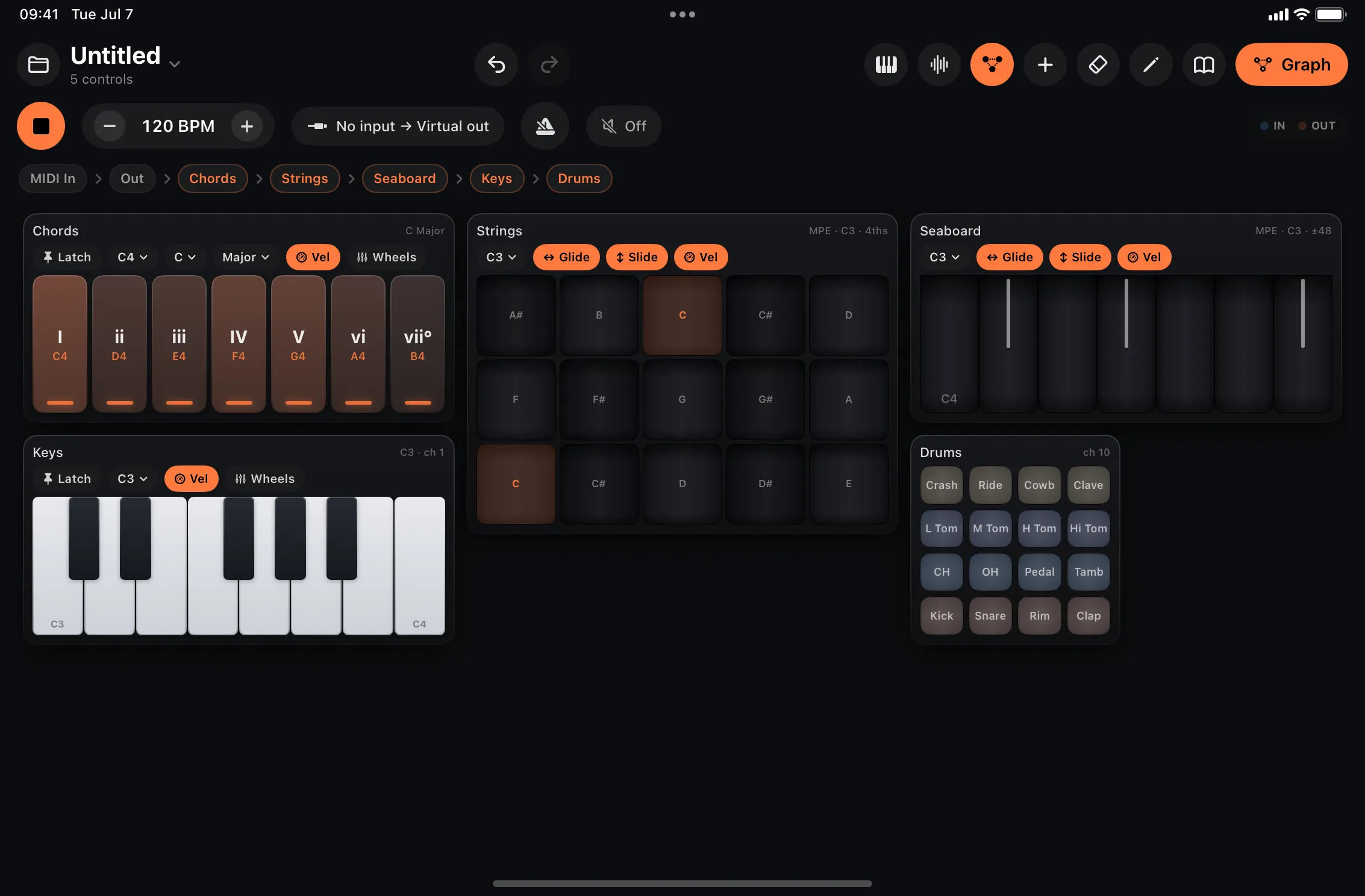
Factory patch · the surface, playing
New in 1.1 · free update
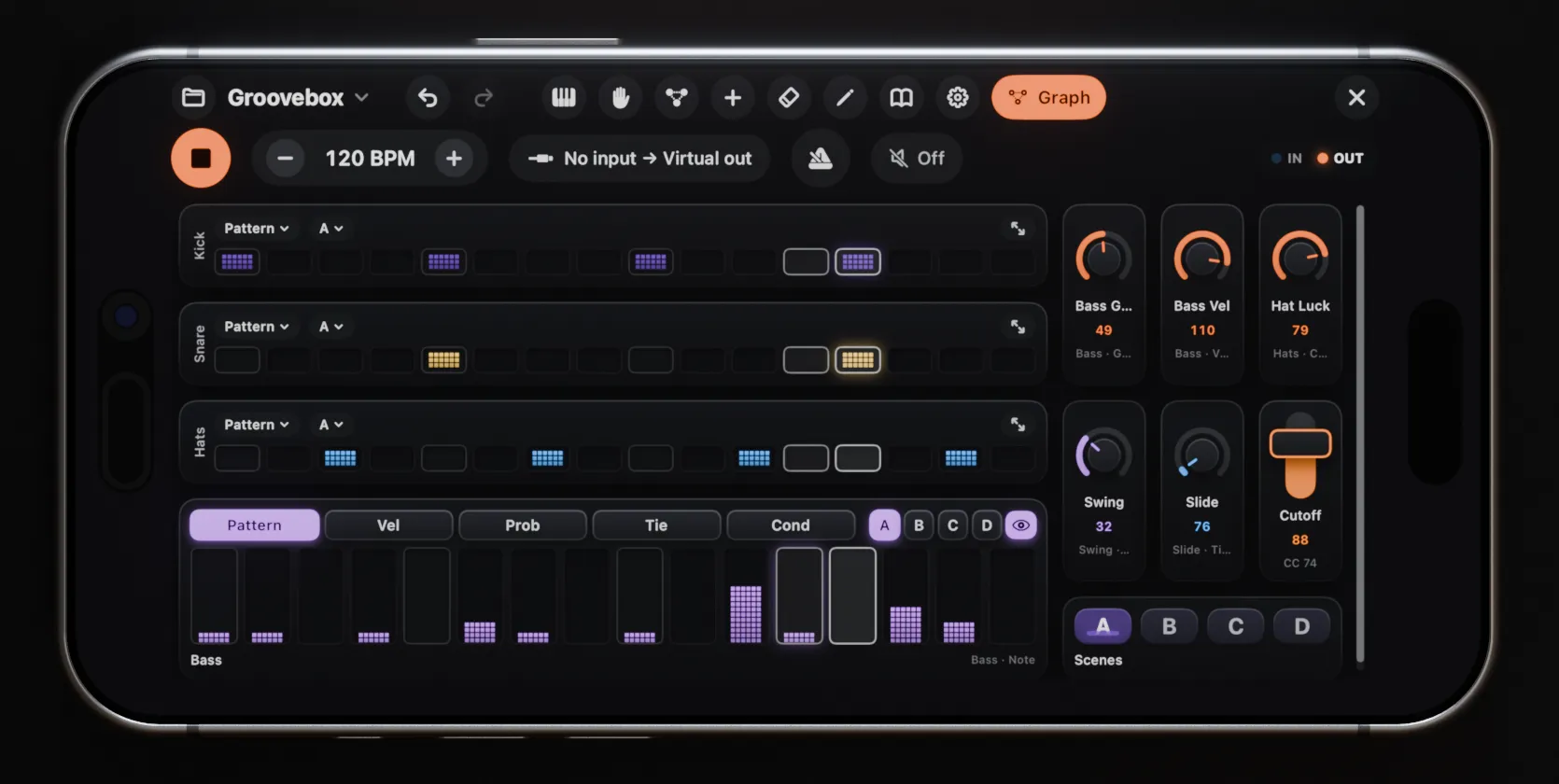
The whole app and the AUv3 plug-in run on iPhone, in landscape, with the chrome tightened so the surface keeps the room. One purchase covers iPad and iPhone.
A surface can hold several pages — hardware-style banks like Play, Mix and FX instead of one tall grid. Name them, move controls between them, and bind a button or foot switch to flip the bank.
The menubar tightens and folds away, sequencer lanes open a full-screen focus editor, keyboard toolbars shrink to icon pills, the preset browser and inspector fit themselves to the space, and the AUv3 keeps a sane minimum size in cramped host windows.
Shape how Pencil force turns into velocity and pressure, per keyboard: presets from Light to Hard, a response slider, floor and ceiling, and a live curve plot.
Signal path · surface → graph
The KB-1 keyboards, the sequencer suite, knobs, faders and XY pads on a snapping grid — a custom MIDI controller on its own.
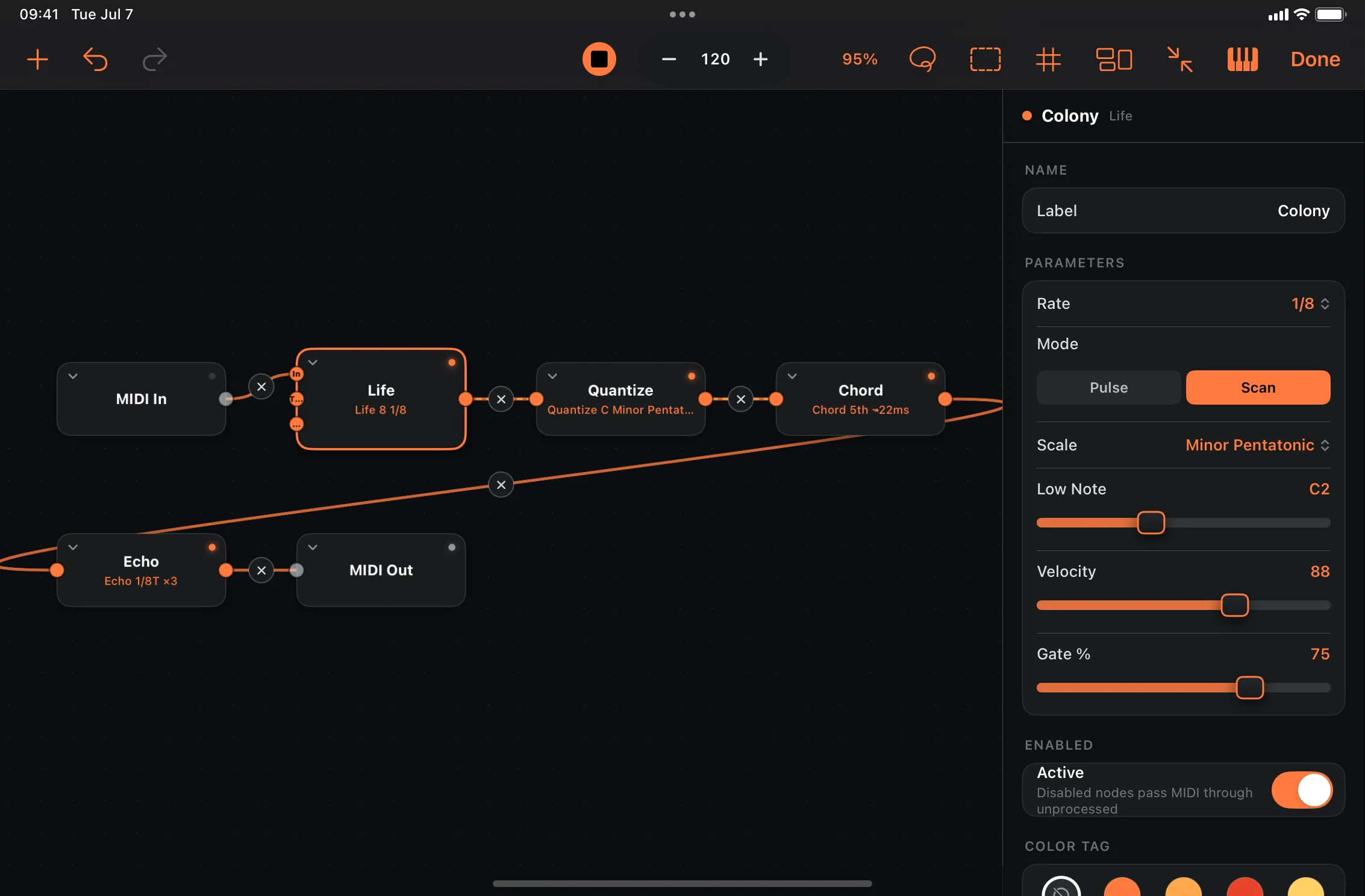
Explore the surfaceA visual canvas underneath: wire MIDI In → processors → Out through 60+ nodes and built-in instruments.
Explore the graphBetter together: every keyboard is a routable node, and every knob binds to a graph parameter — and moves when another node drives it.
01 · Play · the KB-1 suite, reborn
Piano, chord pads, scale keyboard, the MPE Seaboard and Strings, and drum pads — the whole KB-1 Expressive Keyboard Suite, rebuilt as building blocks. Each one is its own routable node: use them alone or combined, process them in the node graph and create a whole new instrument.
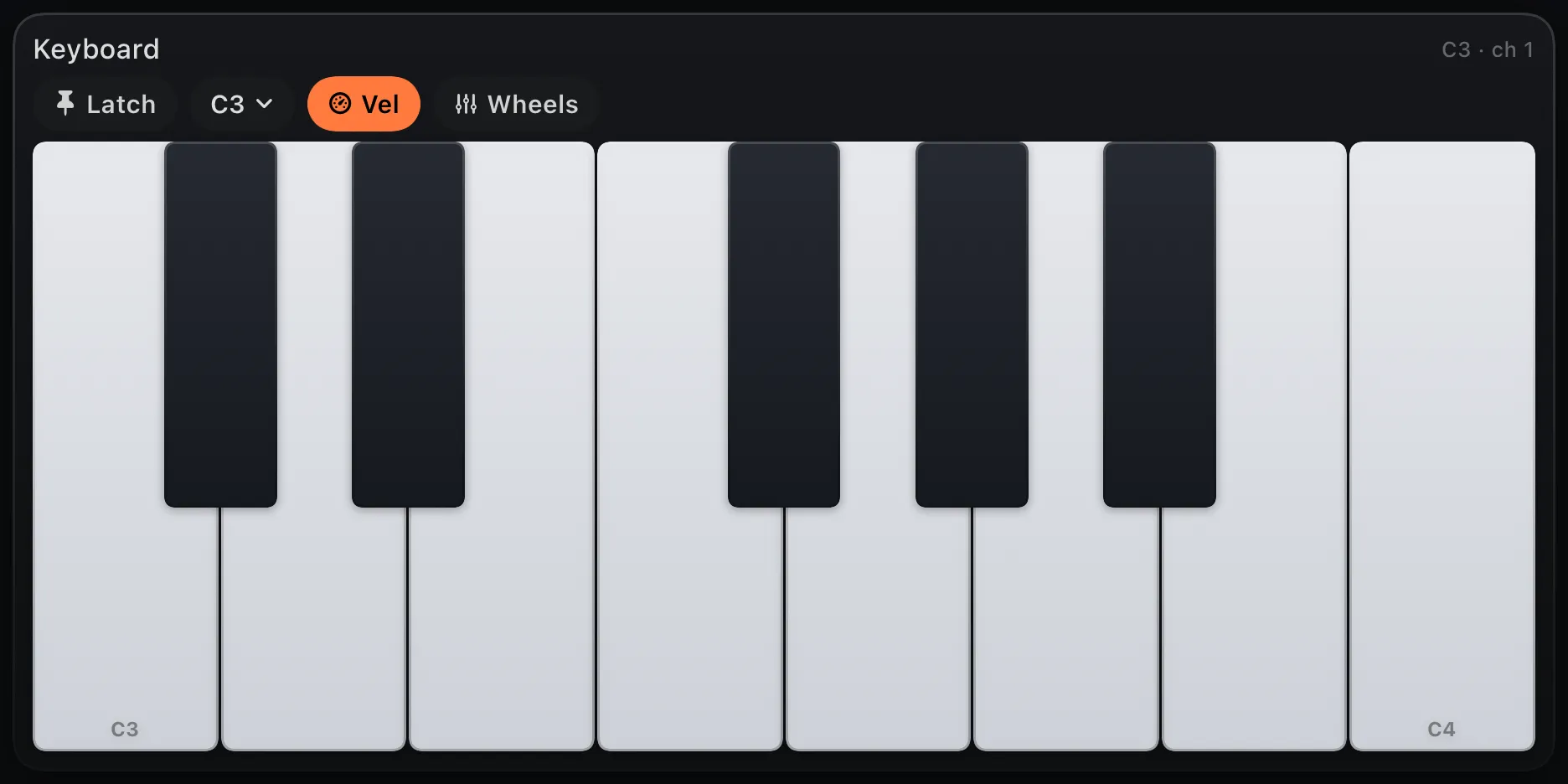
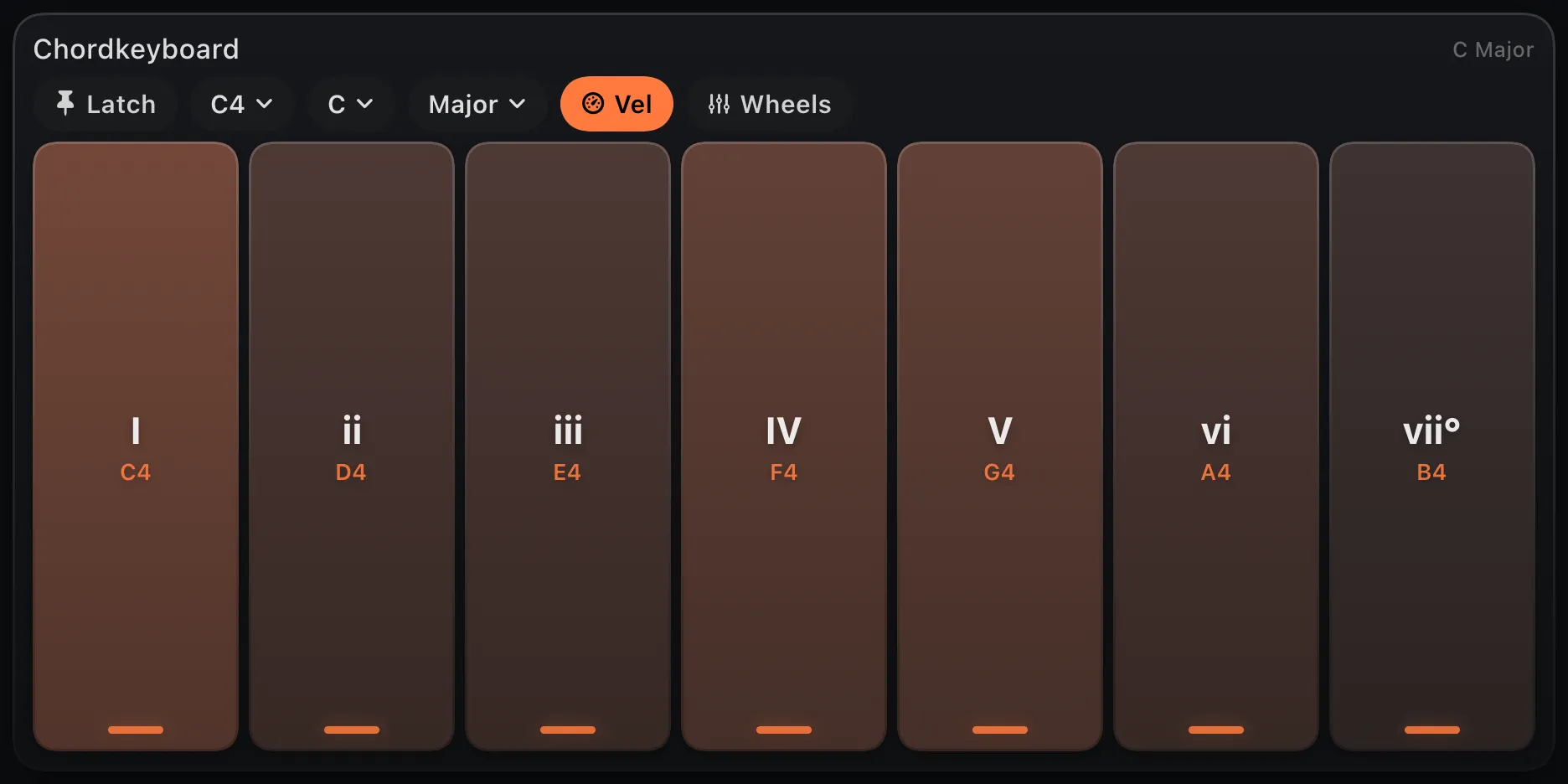
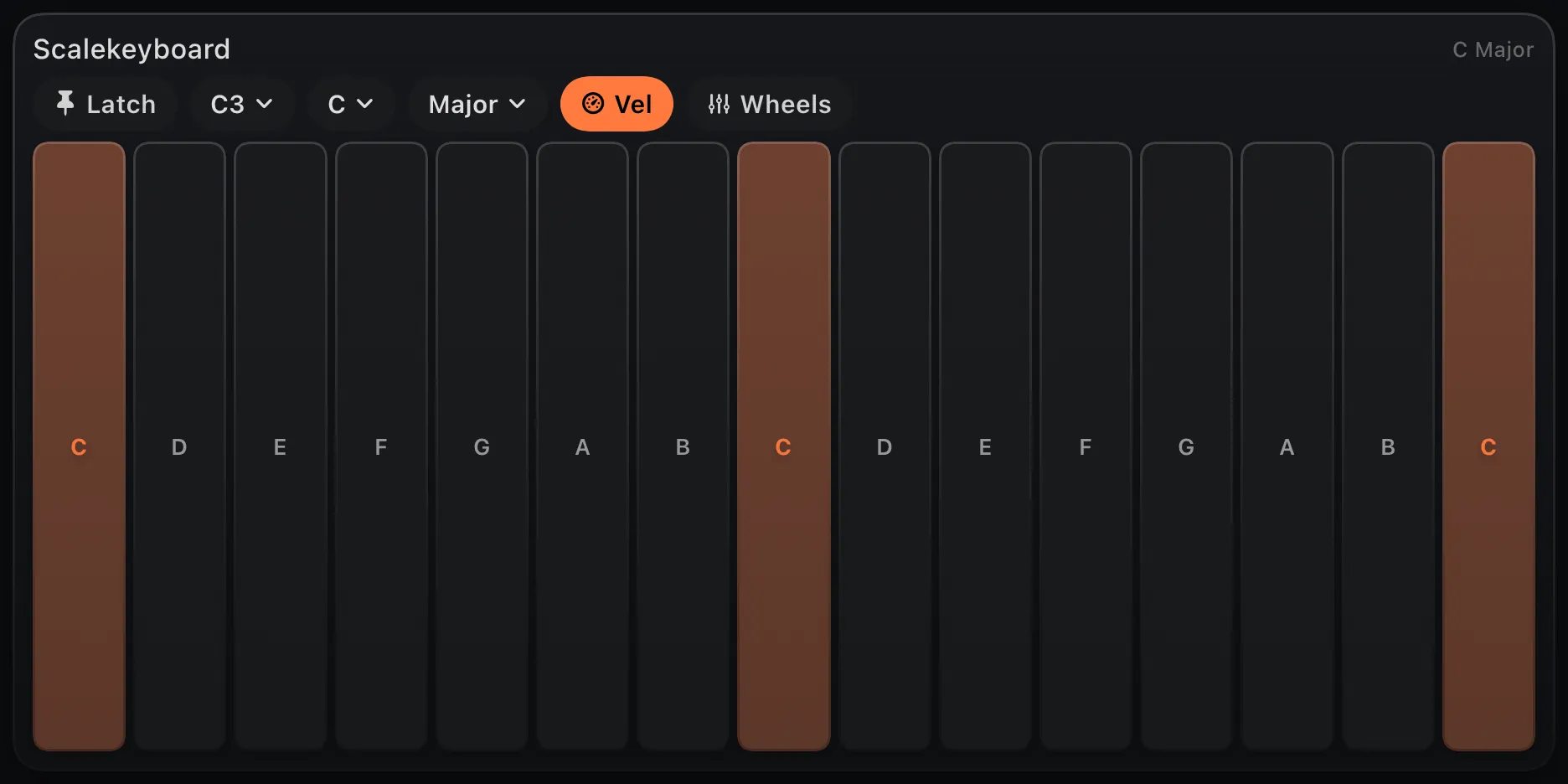
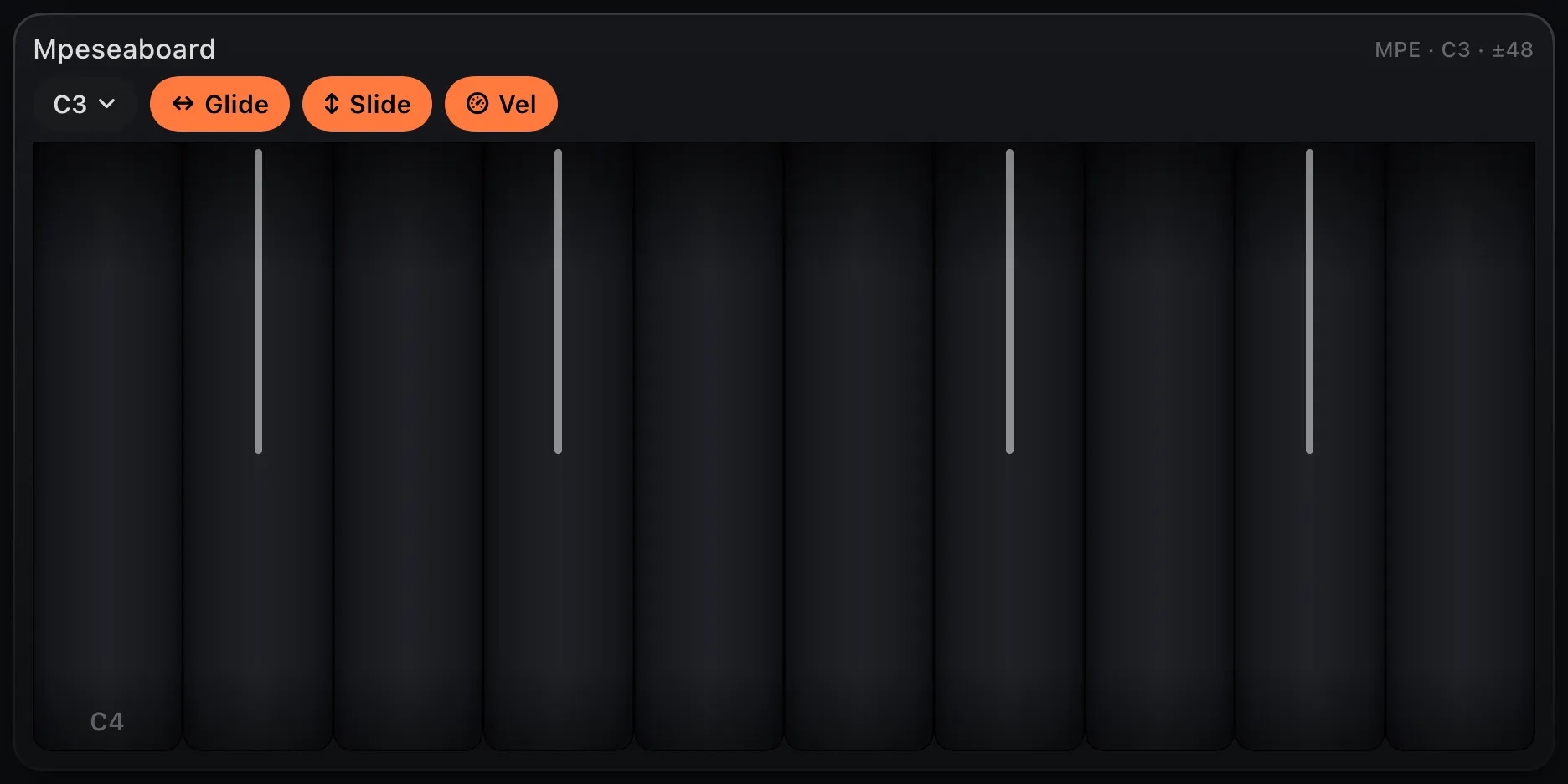
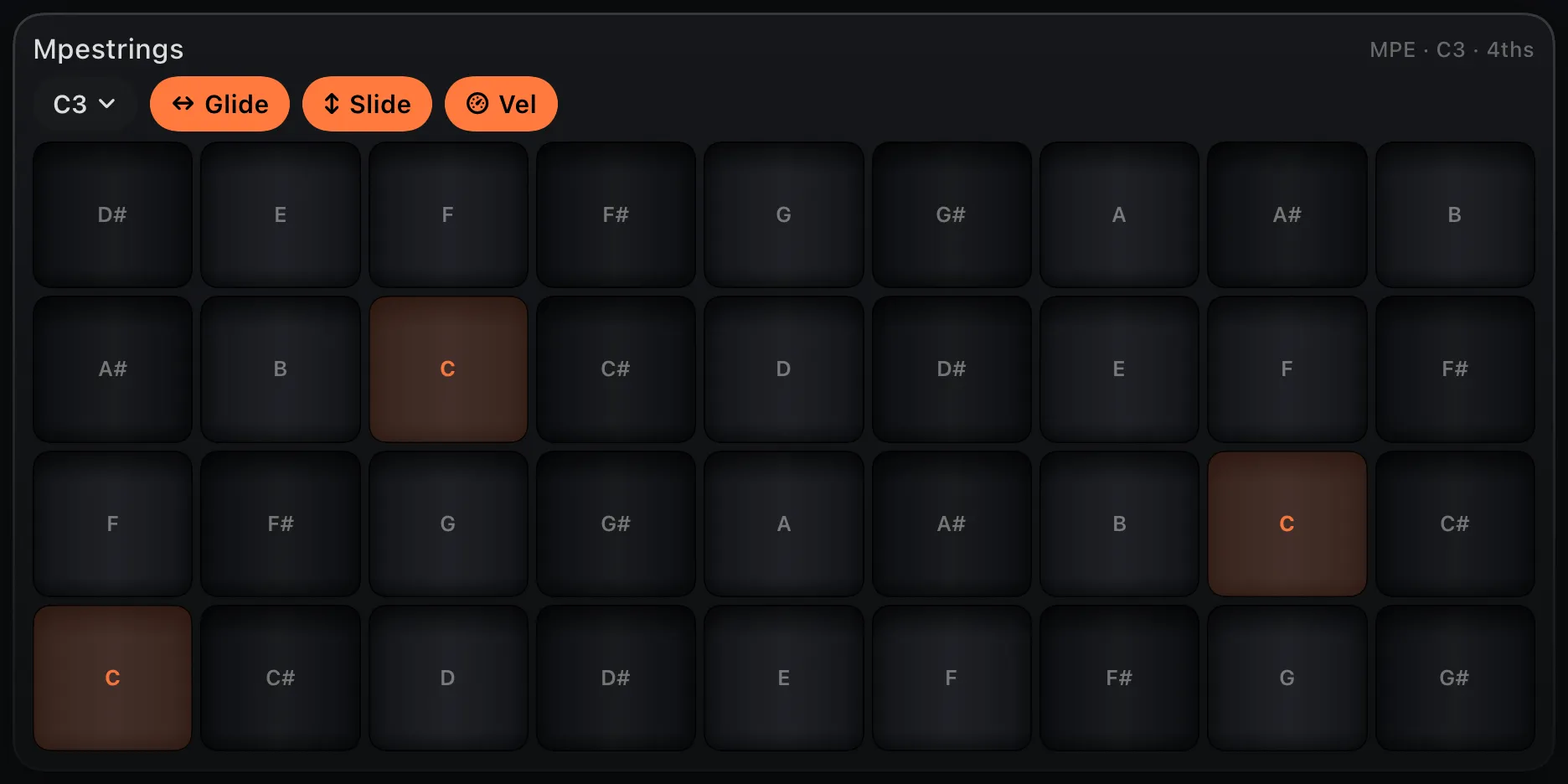
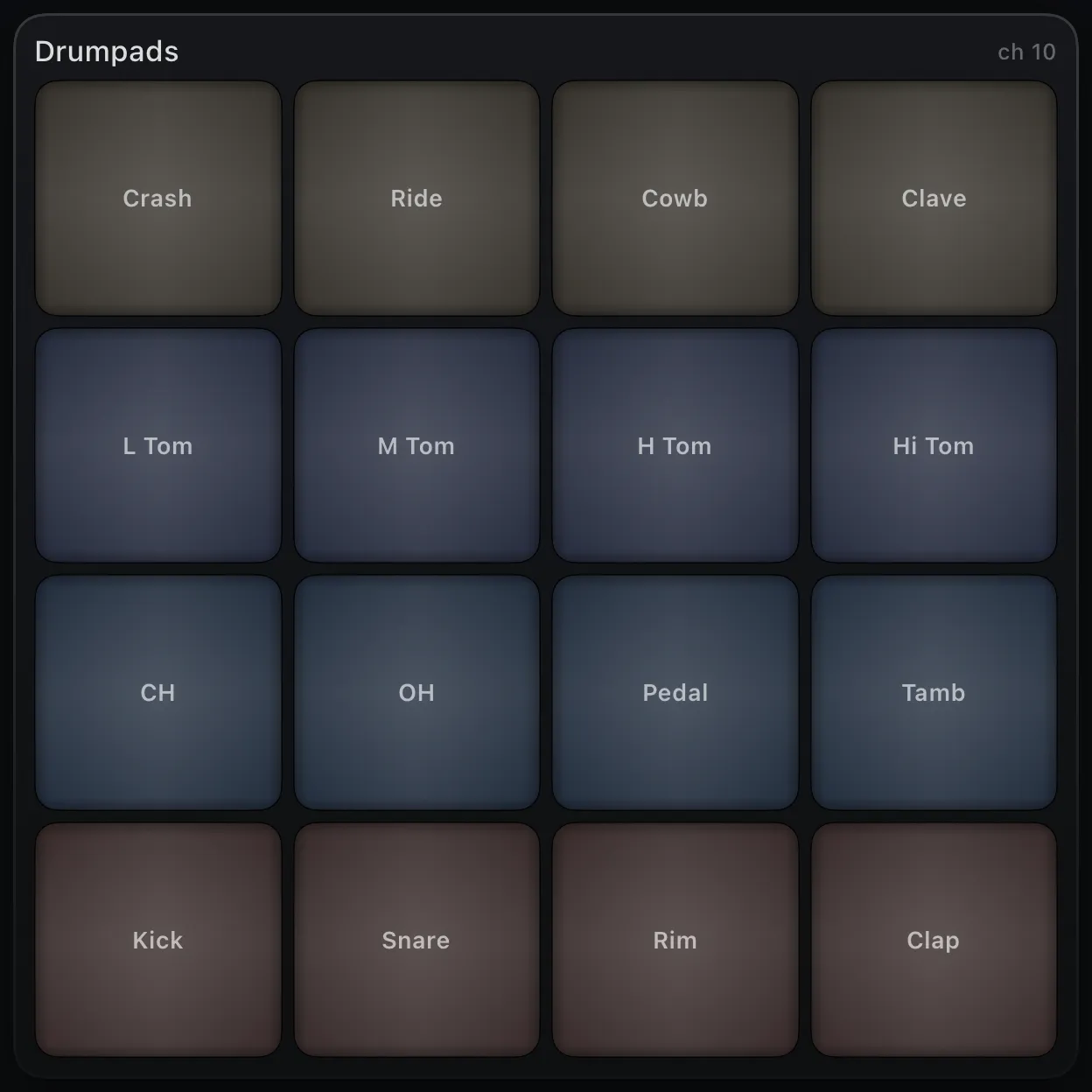
On its own: send notes and CC straight to external
synths, apps or hardware.
In the graph:
arpeggiate, quantize, echo or split each keyboard to any of 16 channels
or MPE.
02 · Sequence · tap-to-edit, on the surface
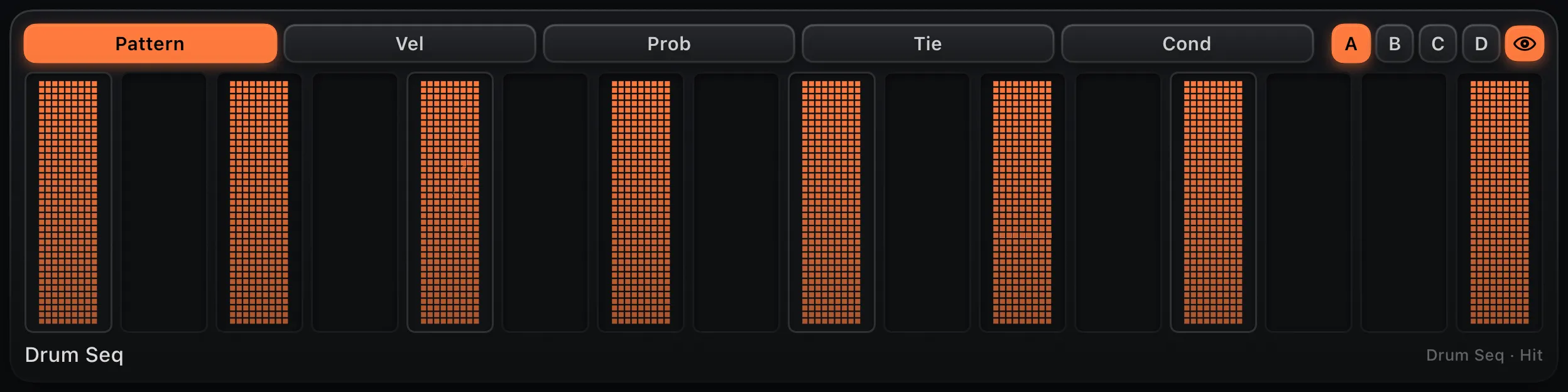
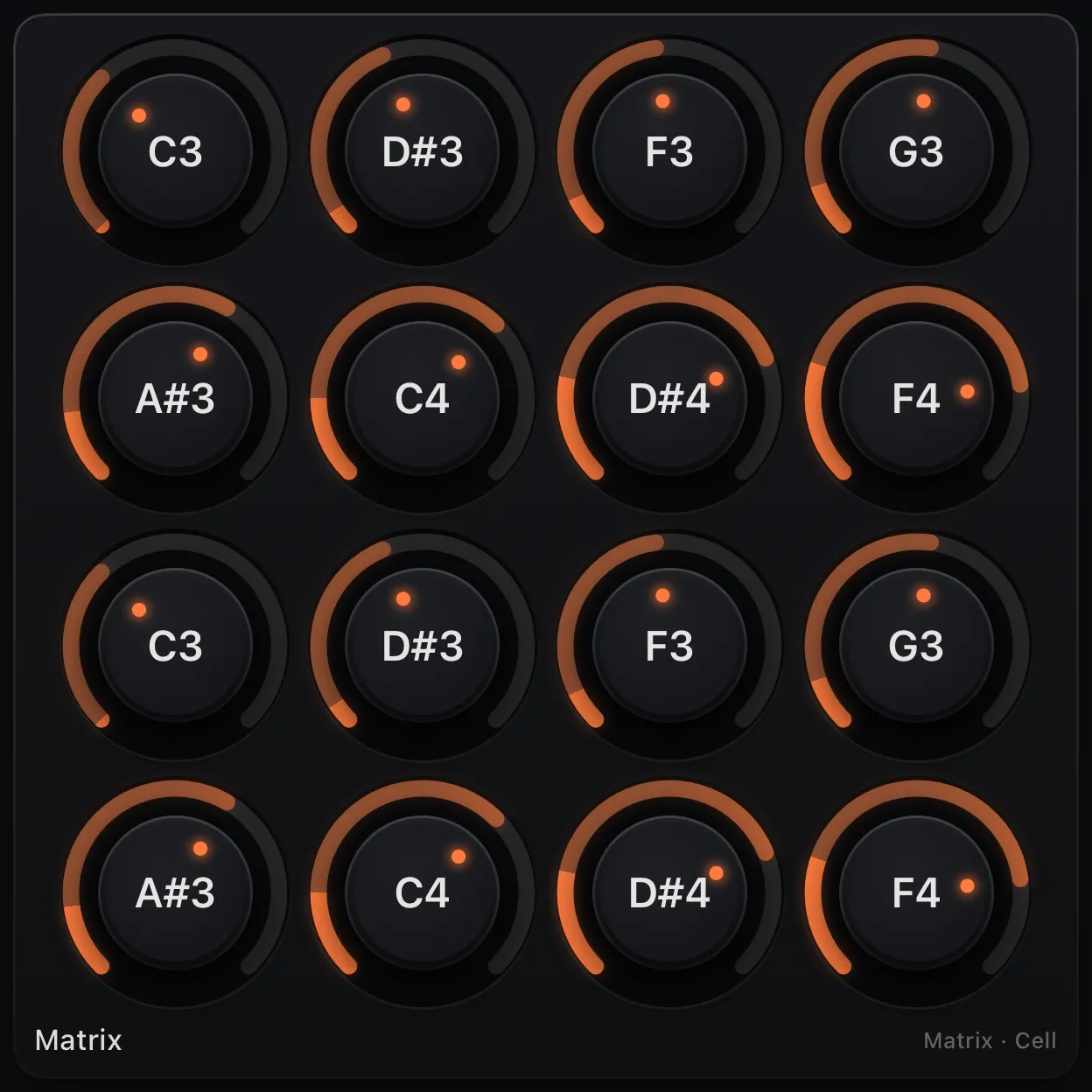
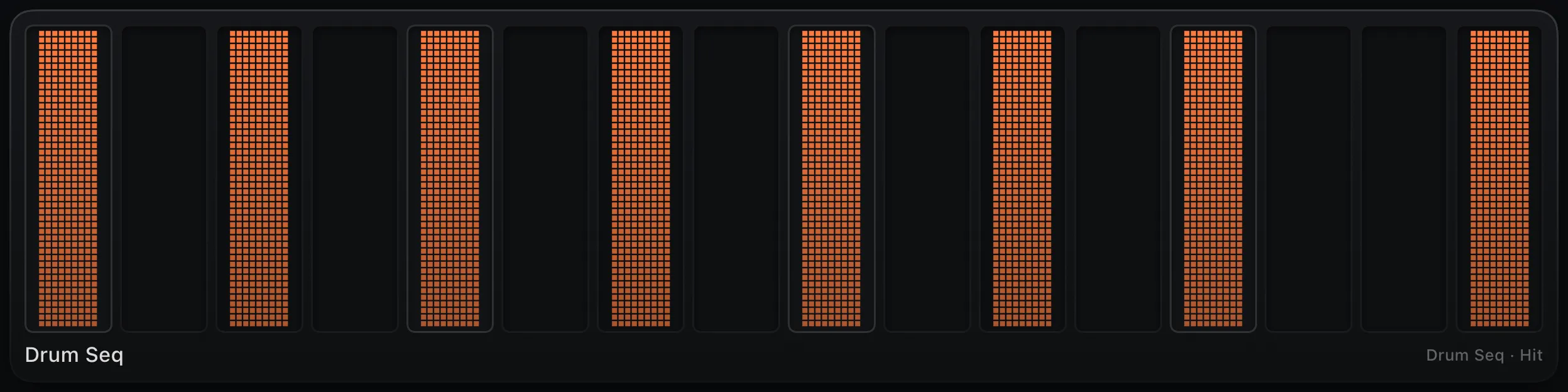
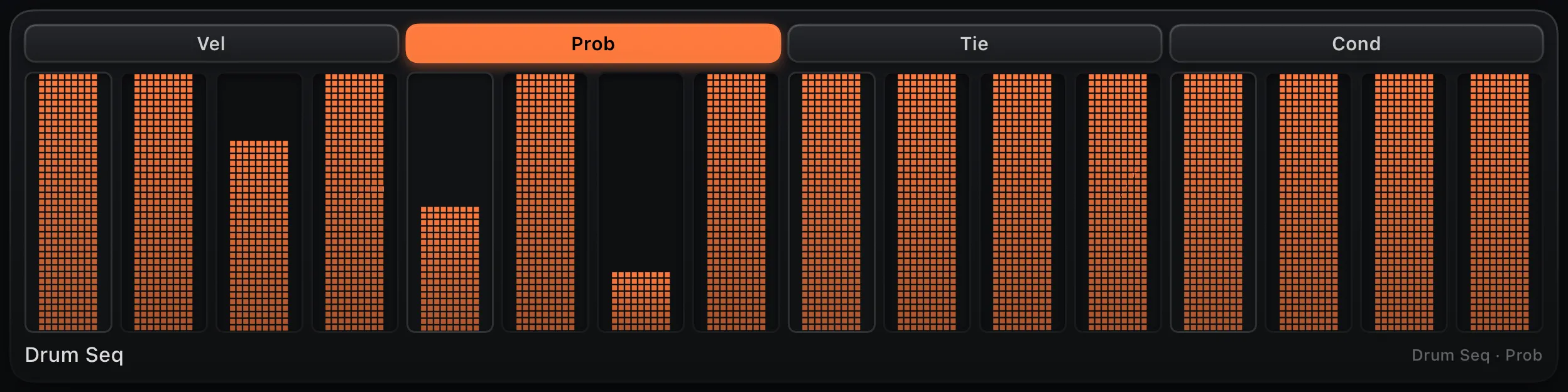
Not just keyboards: drum, melody, chord and CC step lanes plus analog style and matrix sequencers, edited right on the surface — with a moving playhead, microtiming, per step probability, trigger conditions and more. Drive them from host transport, a Clock node or external trigger pulses.
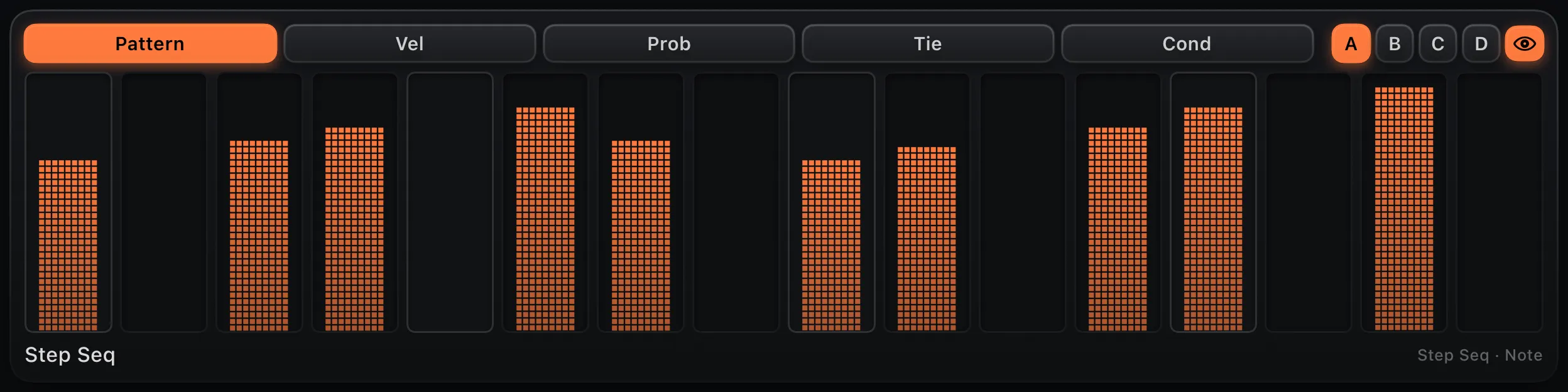
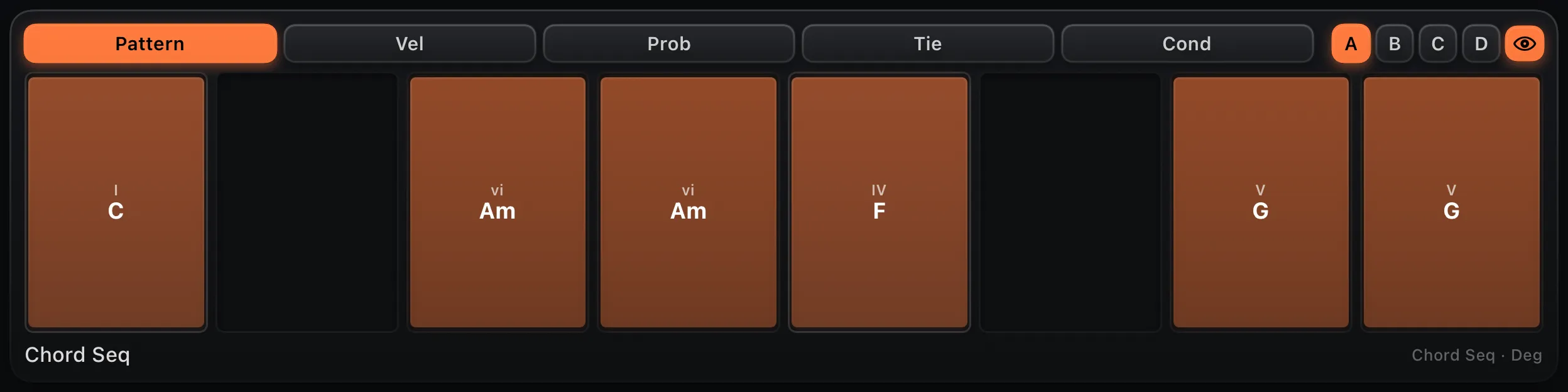
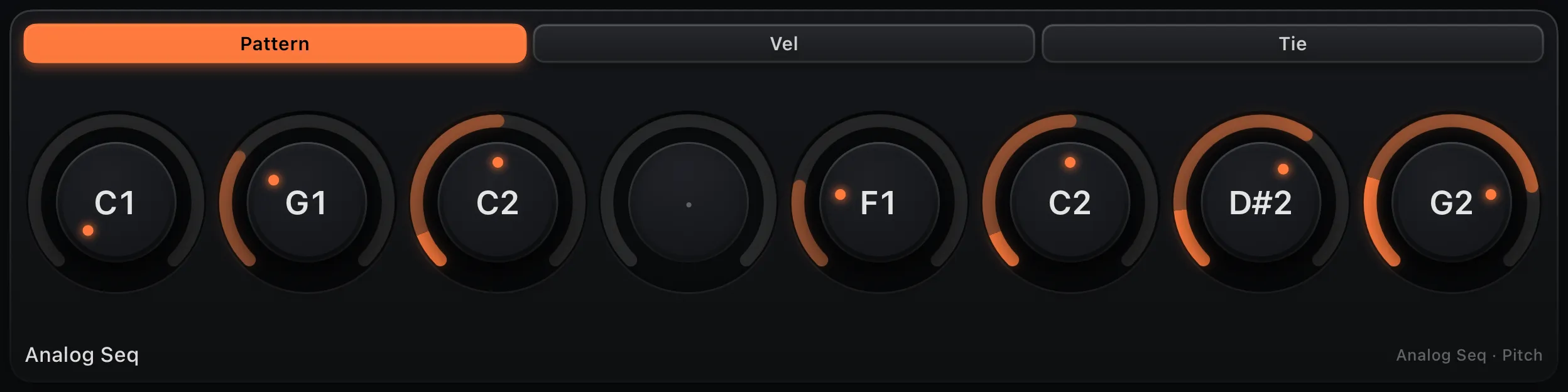
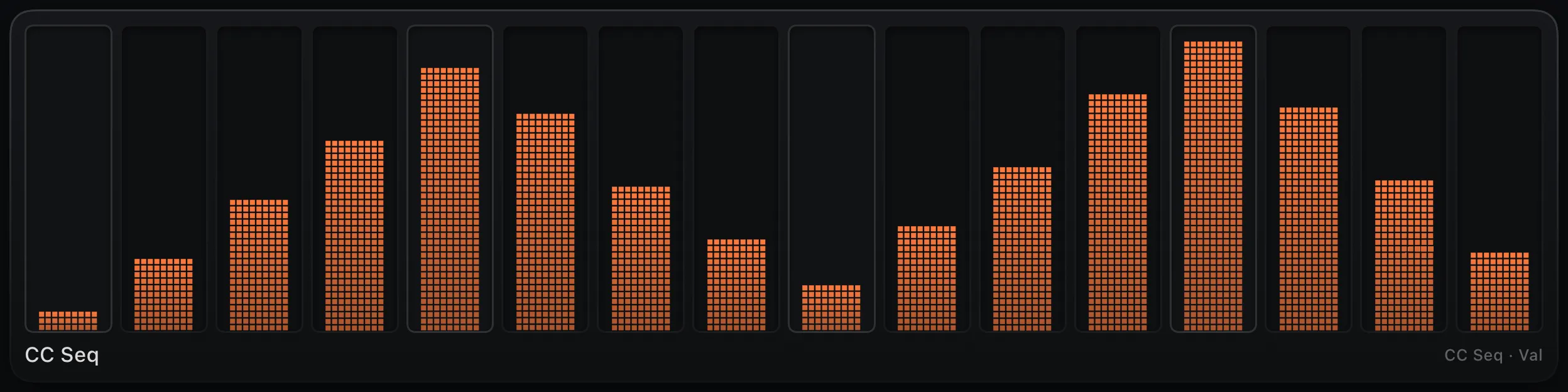
Per-step depth
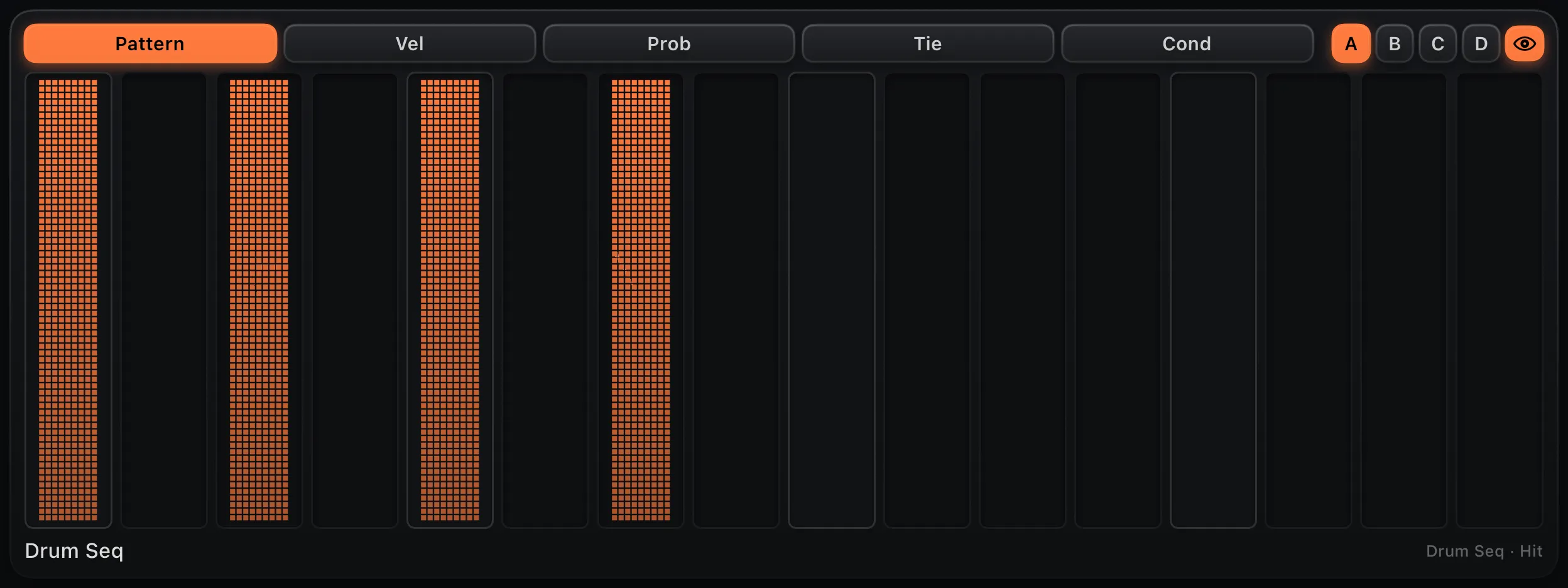
Velocity, probability, tie and Elektron-style trigger conditions on every step — with microtiming to nudge it off the grid.
Pattern chaining
Four banks per lane. Set a chain and it cycles A→B→C→D, one bank per loop — a full arrangement with no extra wiring.
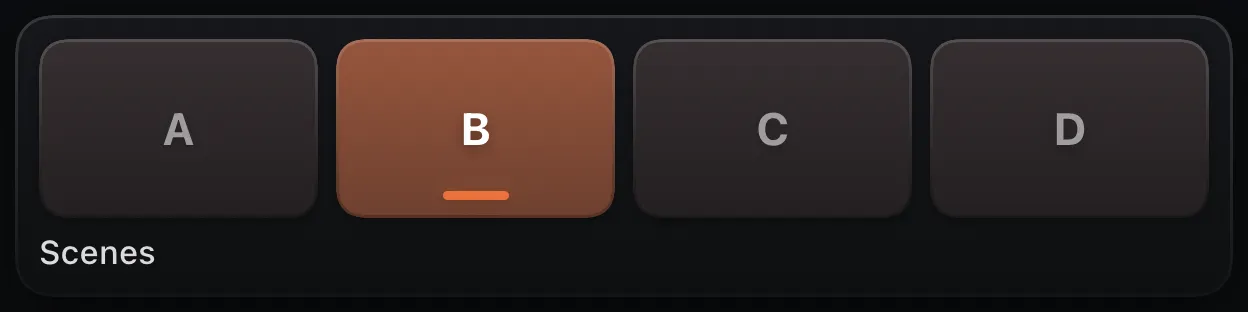
Scenes
A 4-pad launcher flips every lane's pattern bank at once, each lane crossing over on its own downbeat for a tight switch.
03 · Arrange · the builder
Keyboards and sequencers aren't a fixed layout — they're building blocks you arrange on a snapping grid. Every shot below uses the same five blocks: chord pads, piano, drum pads, two faders. Three different instruments.
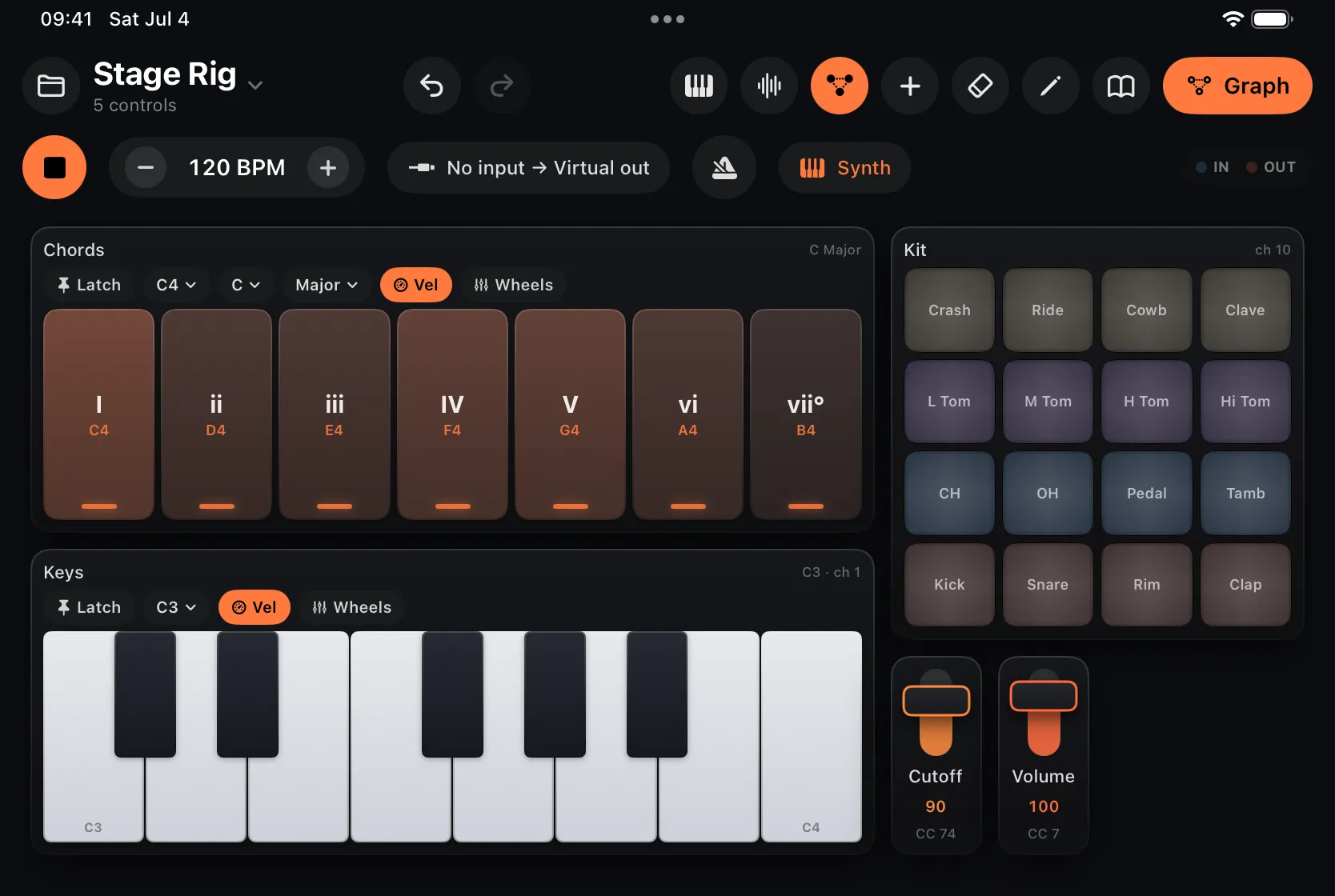
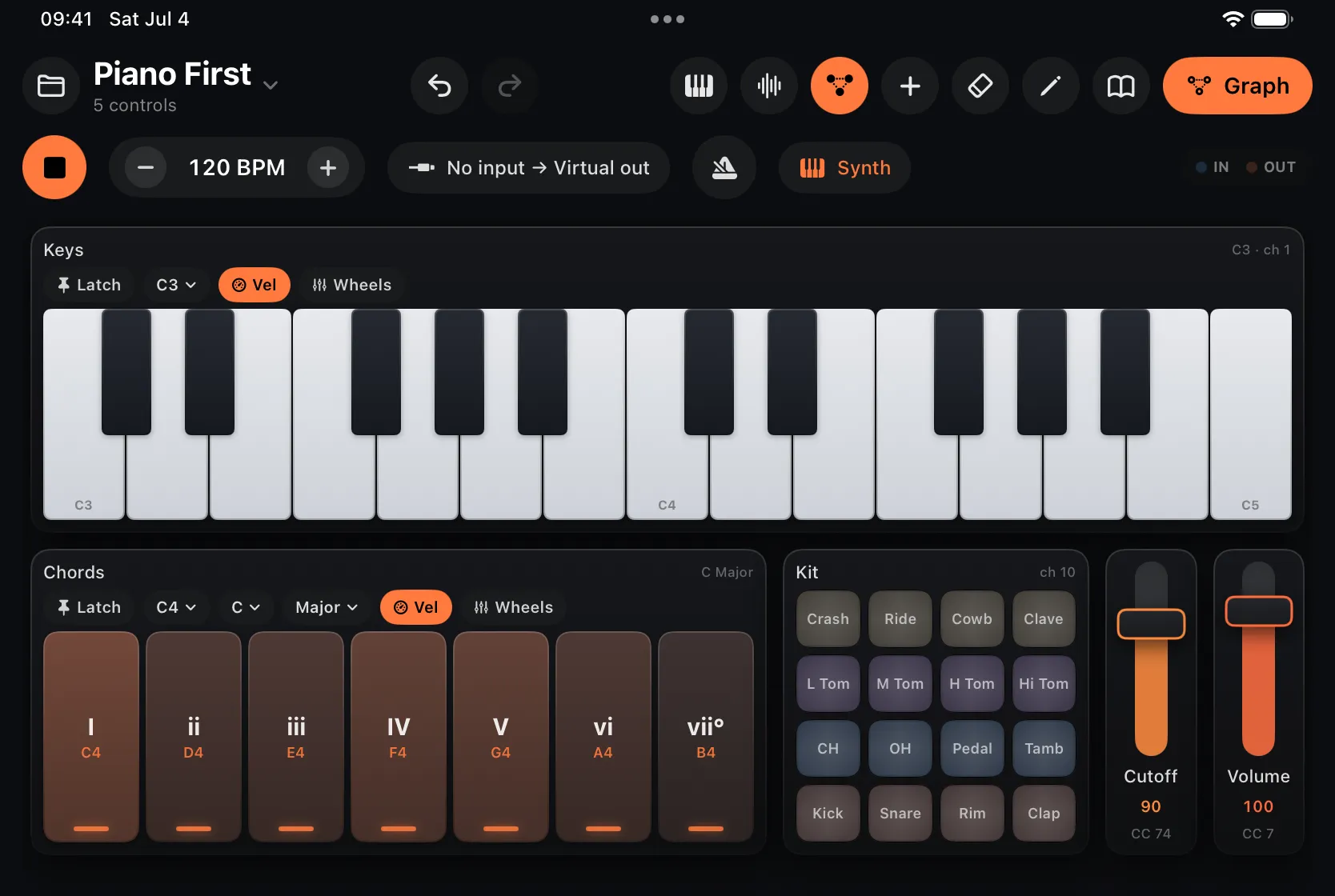
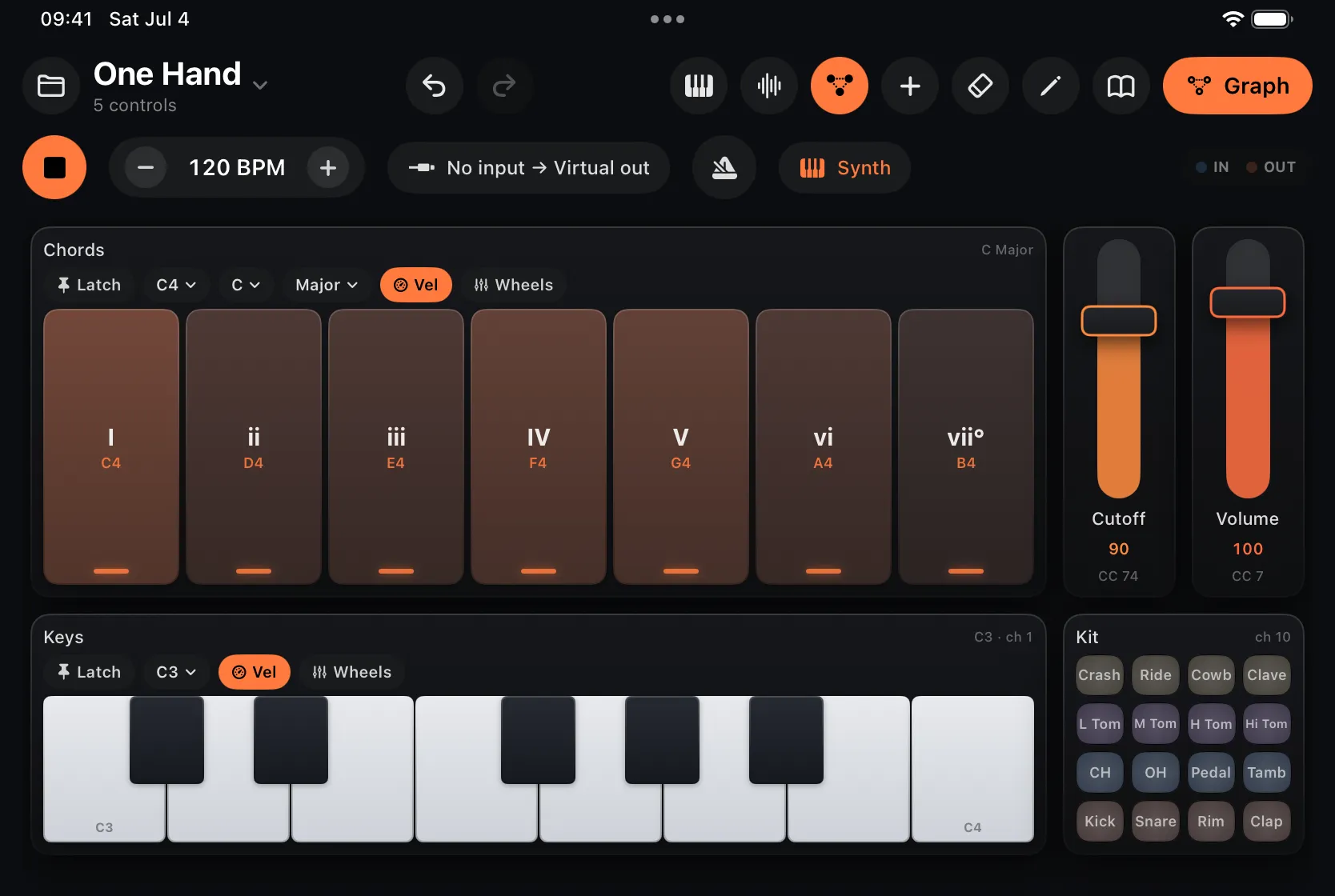
Auto-layout keeps the surface tidy as you add blocks — and the welcome tour has you adding and binding your first control in about a minute.
04 · Wire · the graph unlock · $7.99 at launch
A one-time unlock reveals the node graph under the surface. Wire MIDI In → processors → MIDI Out, insert it as an AUv3 in your host, follow host transport, route across 16 channels and MPE.
Visual graph editor
Drag nodes onto the canvas and connect them left to right. Splice a processor straight onto a wire, expand a node's ports, tweak parameters inline. Activity LEDs show MIDI flowing through every node in real time.
Surface ↔ graph bindings
This is where the builder pays off: every keyboard you play is already a routable node, and every knob you placed can bind to any parameter in the patch. Modulate a parameter with an LFO and watch the knob physically move.
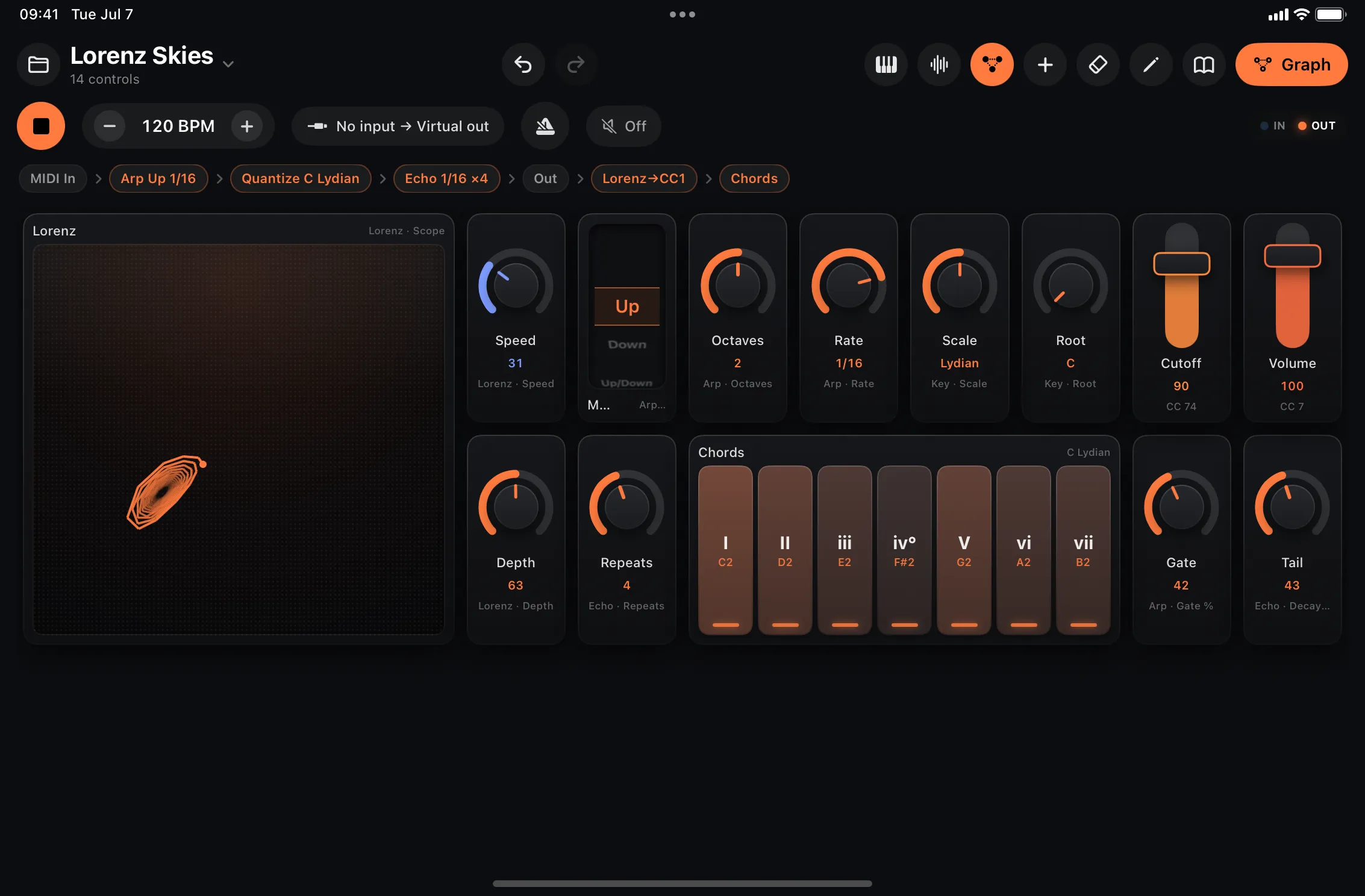
Built-in instruments
Drop an instrument node into the graph and route MIDI in. The Synth is a real subtractive voice — wave, resonant filter, amp and filter ADSRs; the Drums are a procedural GM kit; the Sampler and Slicer play and chop your own samples. No external synth required.
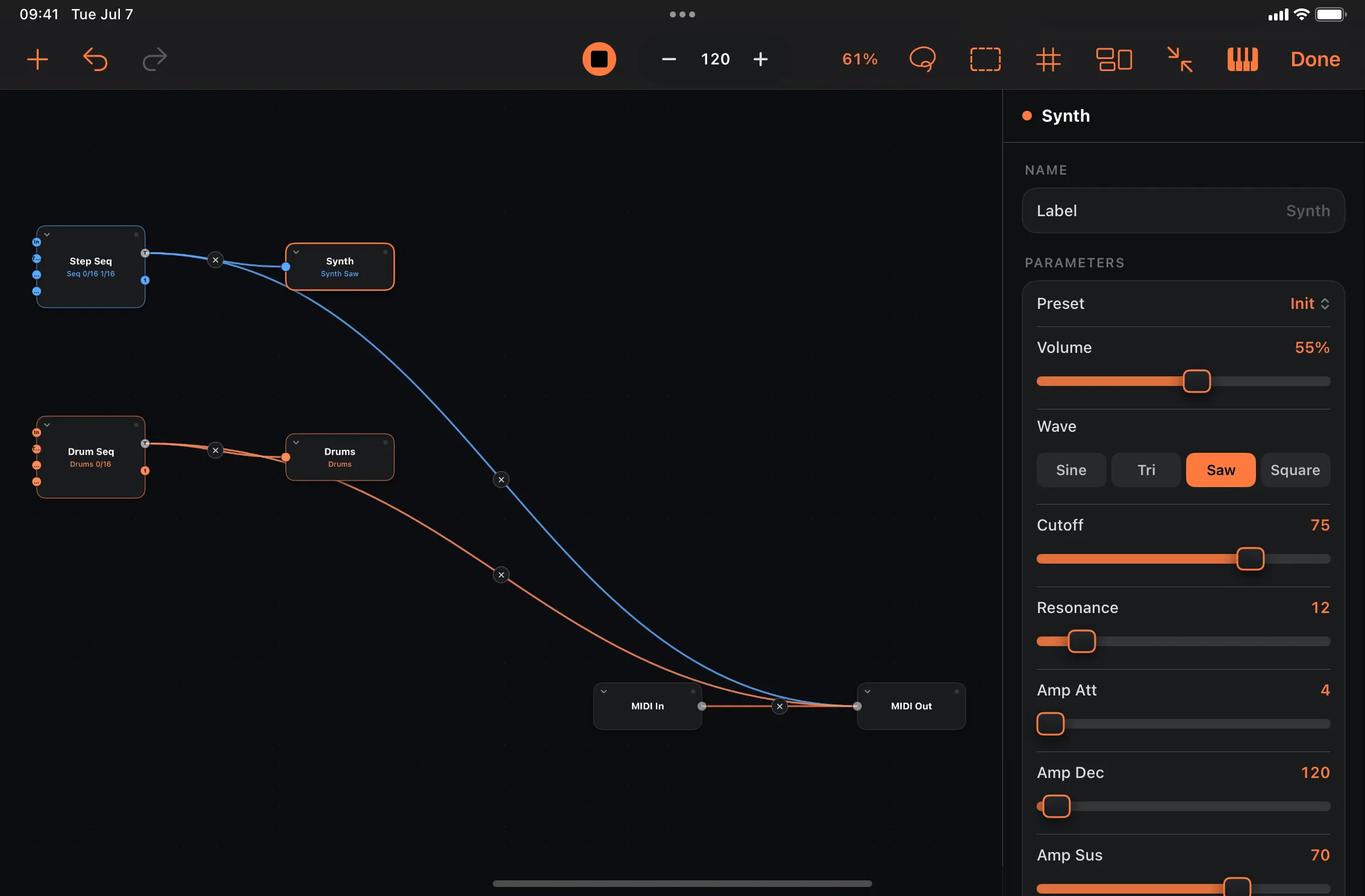
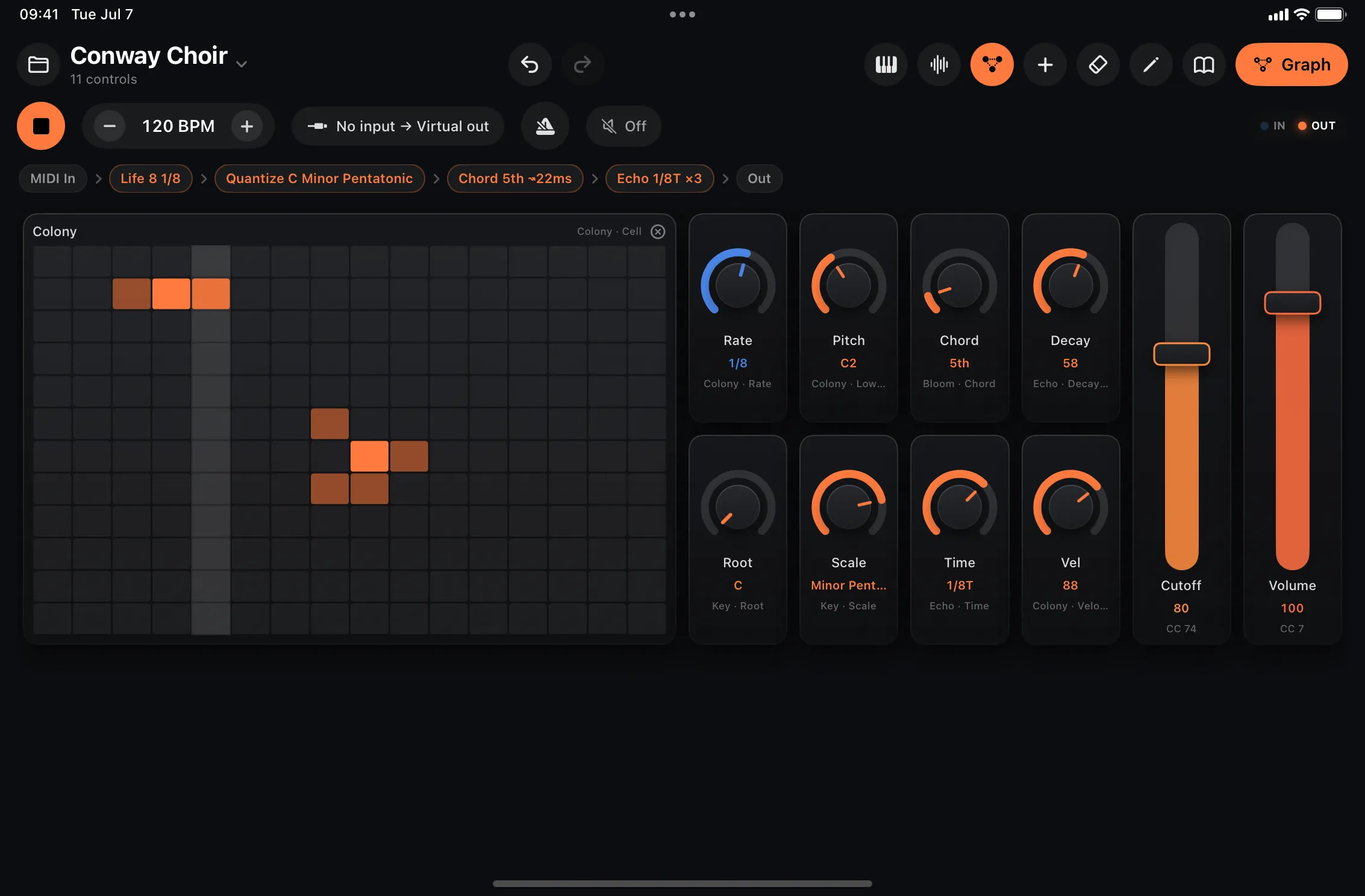
Emergence generators
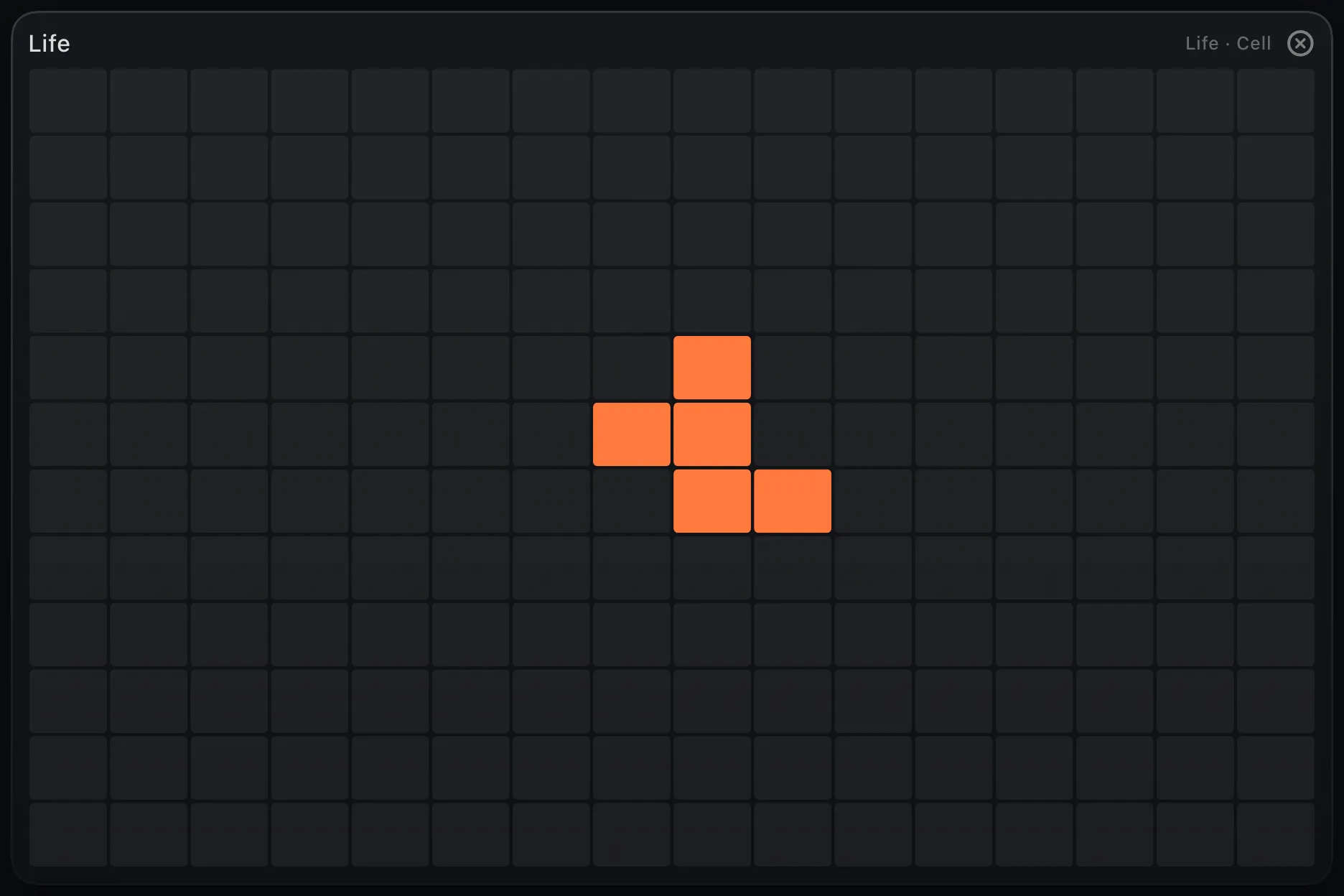
Conway's Game of Life, Wolfram rules, a Turing machine, Markov chains, bouncing balls and a Lorenz attractor — generators that evolve instead of loop. Quantize them to your key and they compose with you.
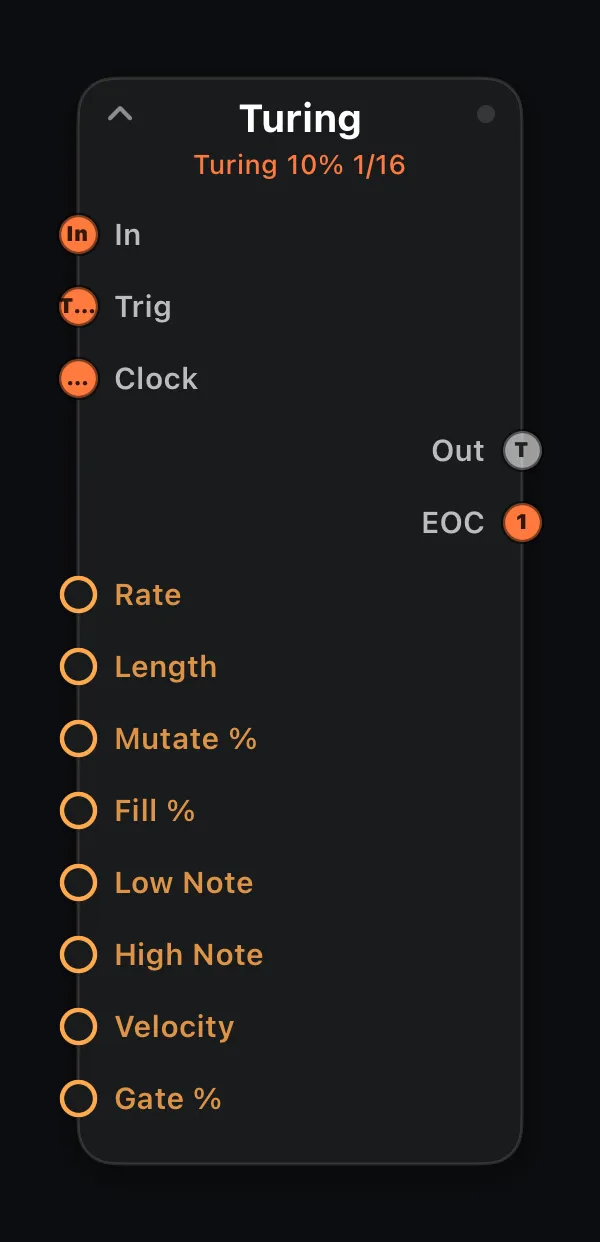
05 · The node library · hover a chip to see it expanded
From MIDI utilities and generative sequencers to built-in instruments — every node card below is rendered straight from the app. Expand any node in the editor and each orange ring is a parameter a surface knob or an LFO can drive.
Reference · the parts bin
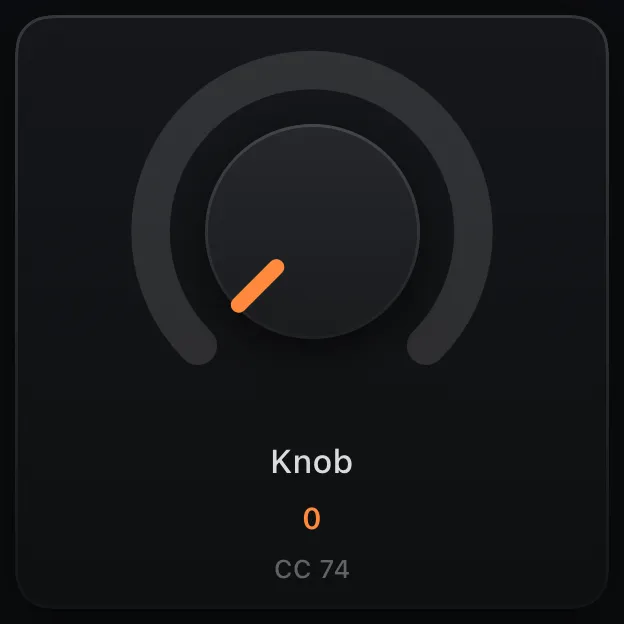
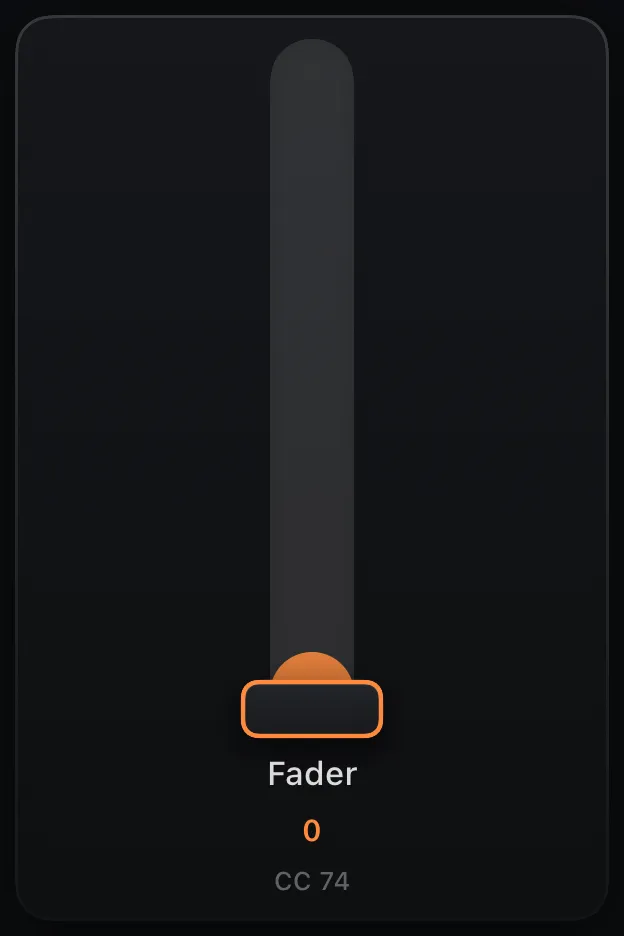
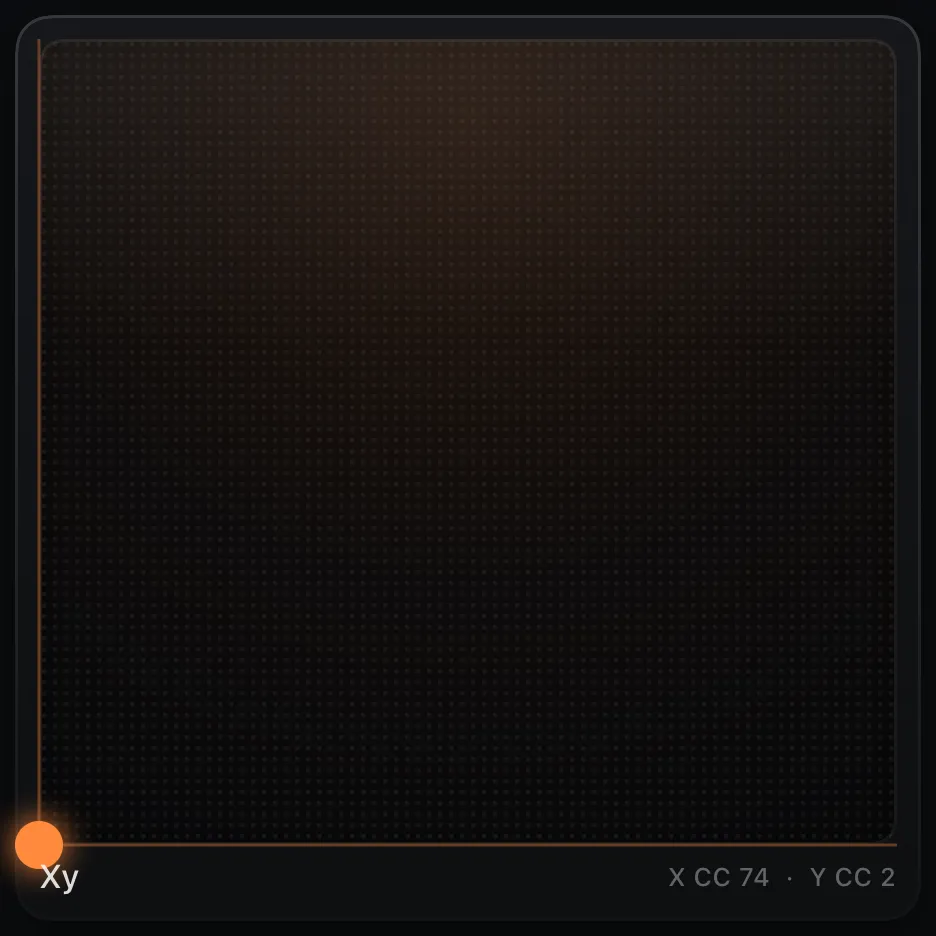
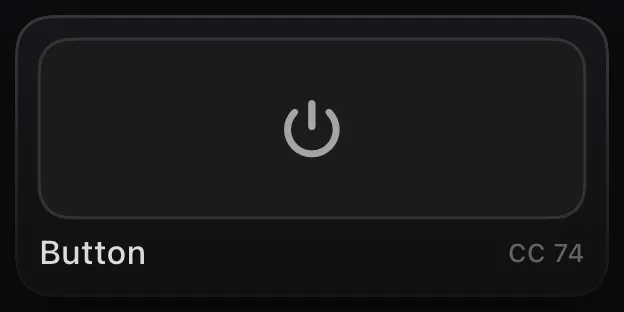
For completeness: all 23 blocks you can place on a surface, rendered straight from the app. Long-press any block's edge for its settings; auto-layout keeps the grid tidy as you add more.
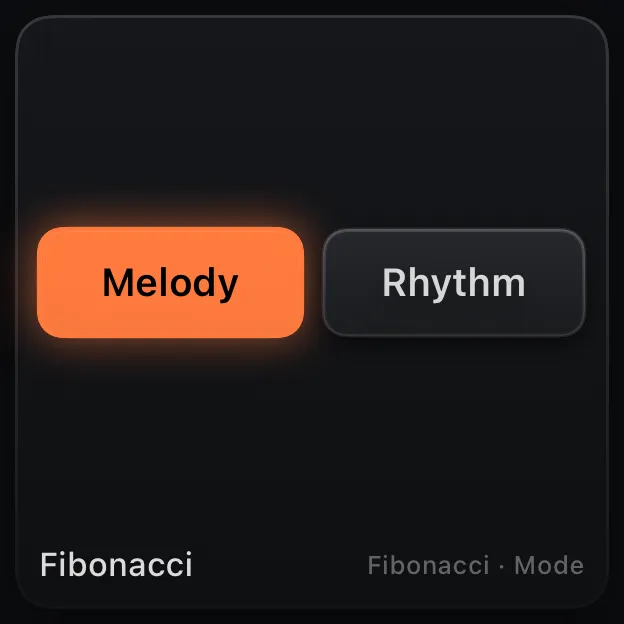
The six KB-1 keyboards — every one a routable node.
Bind each one to a graph parameter — or a raw MIDI CC.
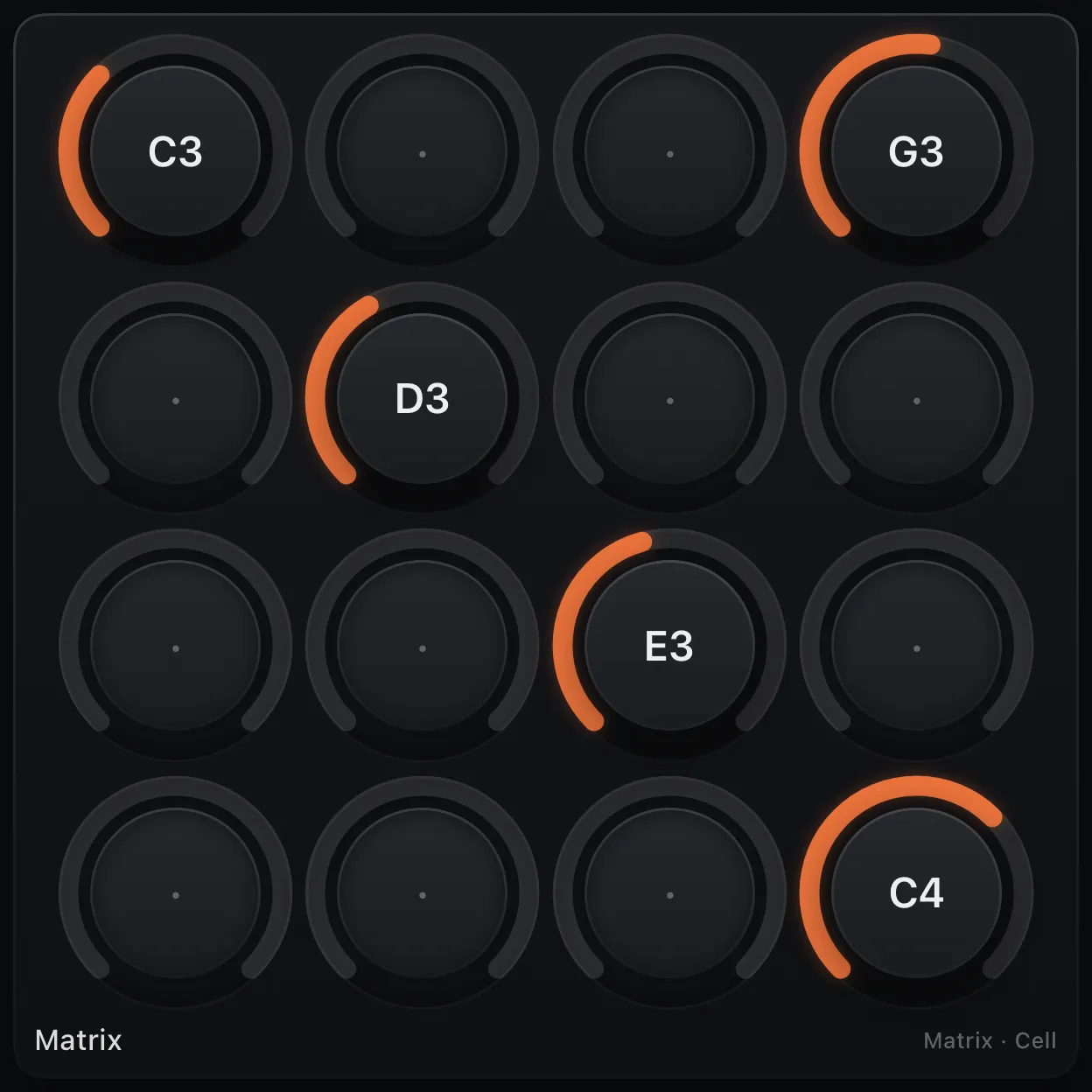
Sequencer lanes and pattern tools, editable mid-performance.
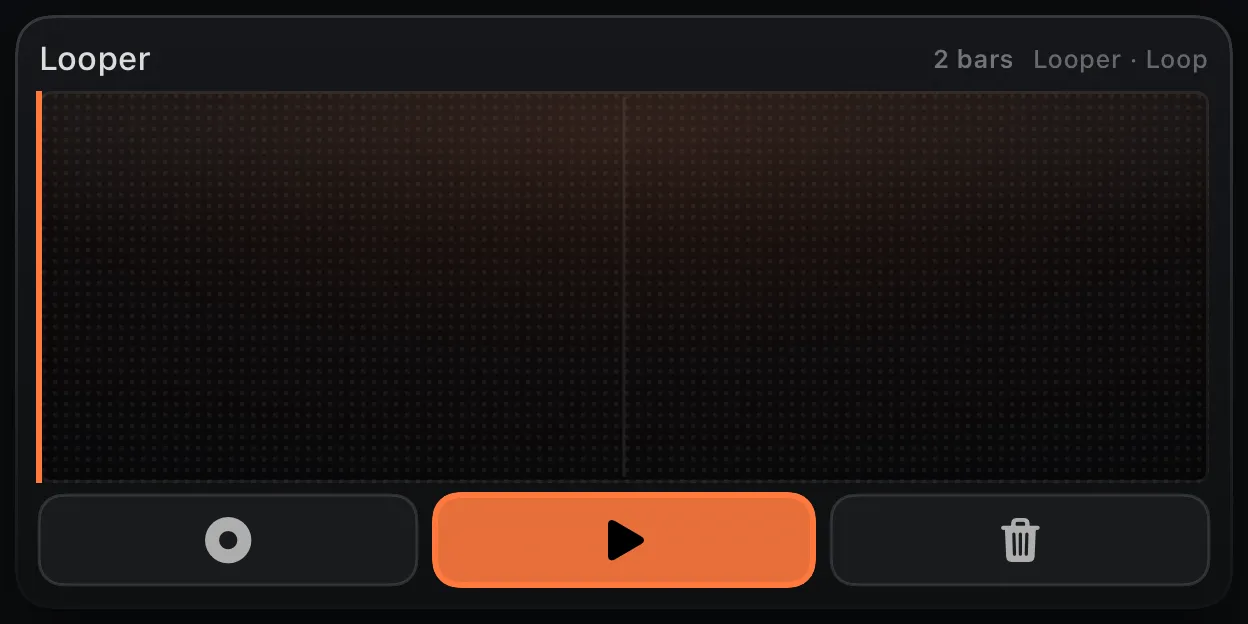
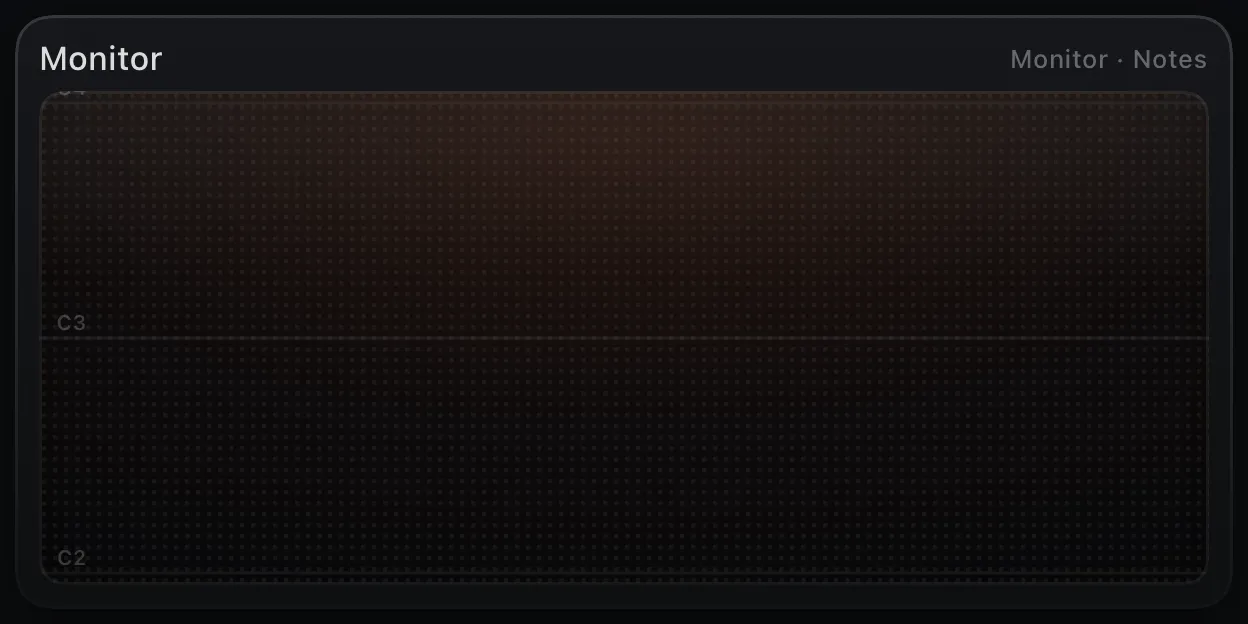
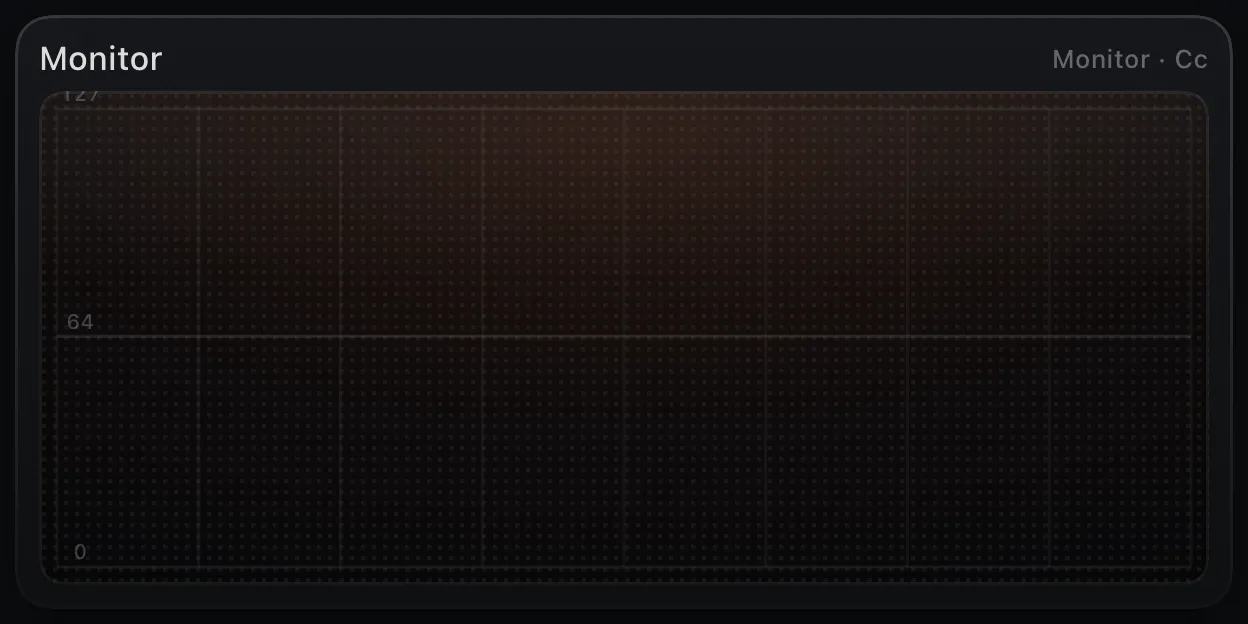
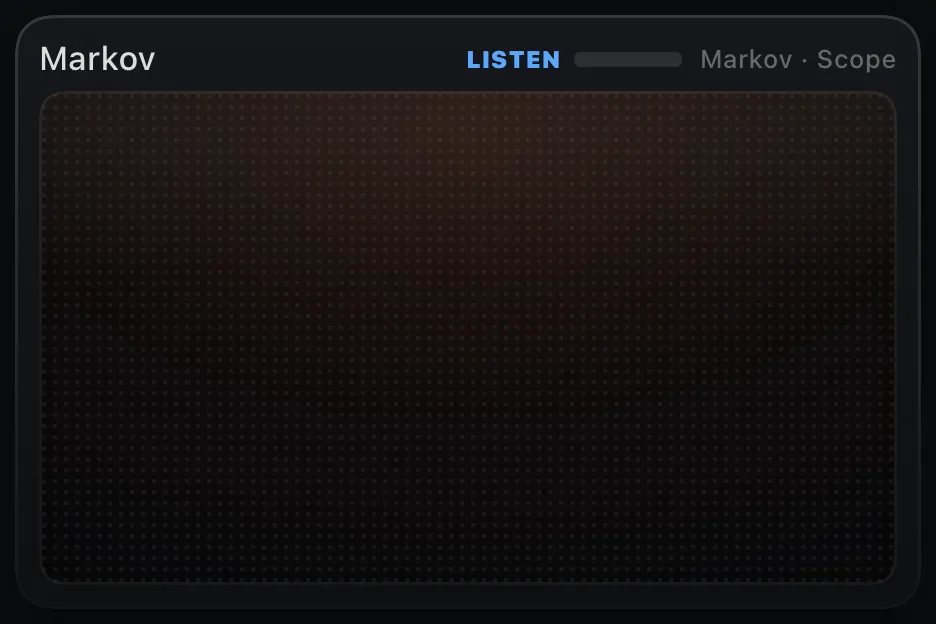
Live visualizers, fed straight from the graph.
06 · Get it · one-time purchases, no subscription
The base app is the full performance surface. The graph editor is a single optional unlock. That's the whole price list — no subscriptions, no hidden costs.
Base app Launch price
$7.99 $14.99
Graph Editor unlock Launch price
+ $7.99 $14.99
Launch pricing for a limited window — about $16 all-in with the unlock, vs ~$30 after. Both return to $14.99 each when the window closes.
Desk duty · iPad or iPhone → your DAW
Dedicated MPE hardware runs from the low hundreds to well past a thousand. MIDIRack is $7.99 at launch on the iPad or iPhone you already own — two genuinely expressive MPE surfaces with per-note pitch bend, slide and pressure, playing straight into Logic, Live, Bitwig, Cubase or any CoreMIDI destination.
iPad / iPhone · MIDIRack Out USB (IDAM) or Bluetooth MIDI your DAW
FAQ
The base app ($14.99) is the full performance surface — six touch keyboards, knobs, faders, step grids and MPE — plus the built-in synth, drums and MIDI routing. The visual MIDI graph is a one-time in-app unlock ($14.99). It's a single purchase, not a subscription. You can open and run the factory graph patches before you unlock; editing, adding nodes and saving graph patches need the unlock.
MIDIRack is a new instrument, not an update to KB-1. Every KB-1 keyboard lives on inside it — piano, chord pads, scale keyboard, the MPE Seaboard and Strings, and drum pads — rebuilt as building blocks you can mix, resize and arrange on one surface, next to a full sequencer suite. KB-1 keeps working as it always has. And MIDIRack launches at $7.99 (with the graph unlock at $7.99) for a limited window before both go to $14.99, so moving over early costs less.
Yes. The performance surface is the base app and a full control-surface and keyboard builder on its own — six touch keyboards, knobs, faders, step grids and more. Send MIDI and CC to external synths, apps or hardware without ever unlocking the graph. It's the successor to the KB-1 Expressive Keyboard Suite.
Yes, once you unlock it. The visual MIDI graph then works as a standalone processor or AUv3 insert — wire MIDI In → processors → MIDI Out in your host with little or no custom UI. Tempo-synced nodes follow host transport; the MIDI Out node routes 16 channels and MPE.
MIDIRack is primarily a MIDI processor — it receives, transforms and generates MIDI rather than making sound on its own. That said, the standalone app includes a built-in polyphonic synth and drum kit so you can hear your patches right away.
Yes. The built-in synth and GM-style drum kit respond to your graph immediately (CC 7 sets volume, CC 74 the filter). You can also route MIDI out to your own synths and apps over CoreMIDI and the always-on virtual port.
MIDIRack runs as an AUv3 MIDI-processor plugin in hosts like AUM, Logic Pro, GarageBand, Cubasis, Drambo and Loopy Pro — anywhere that supports MIDI-effect AUv3s.
No. Build by hand — lay out a performance surface and touch keyboards, patch a MIDI graph, or both. There's no scripting required.
Yes. The MIDI Out node exposes all 16 channels plus an MPE connector, and there are MPE keyboards (a Seaboard-style ribbon and a Linnstrument-style grid) with per-note pitch bend, slide and pressure.
It runs on iPad (iPadOS 17 or later) and iPhone (iOS 17 or later, landscape). Both get the standalone app and the AUv3 plug-in in one purchase — on iPhone the surface plays in landscape, the menubar folds away and sequencer lanes open a full-screen focus editor. A Mac (Apple silicon) version is next.
Yes. On a Mac or an iPad with a hardware keyboard, the usual QWERTY piano plays: A–' are the white keys, W–P the black keys, Z/X shift the octave, C/V step the velocity, and 1–8 / Q–I hit the drum pads. It drives the slide-up keyboard when that's open, otherwise the last keyboard you touched.
Want the full picture? Read the MIDIRack manual.
Start with an instrument you can play in seconds. Go as deep as a patchable MIDI engine when you're ready.